Find tenders. Work through each process step with AI agents.
procuris connects 90+ portals, original documents, value estimates and market insights with one end-to-end bid workflow. Specialised AI agents prepare matching, eligibility, bid/no-bid, drafting, evidence, completeness and deadlines; your team approves the decisions that matter.
Four phases. Twelve specialised AI agents.
Each agent automates a bounded process step. Your team sees the results, reviews risk and keeps bid/no-bid and final submission under control.
Find
Source agent
One feed across 90+ portals.
Duplicate agent
Repeated notices appear once.
Matching agent
Hits sorted by fit.
Qualify
Eligibility agent
Must criteria at a glance.
Evidence agent
Evidence ready as a checklist.
Bid/no-bid agent
Reasoned recommendation in minutes.
Submit
Drafting agent
First draft from approved concepts.
Evidence agent
Evidence linked to the requirement.
Completeness agent
Gaps visible before upload.
Manage
Pipeline agent
Status, owner, next step per tender.
Deadline agent
Deadlines in calendar, critical dates escalate.
Team agent
Tasks and partner inputs stay with the bid.
Built for the procurement day-to-day - not for PowerPoint demos.
Every feature solves a real problem in the tender process: too much searching, too little overview, missing structure, duplicate work.
AI-Powered Tender Search
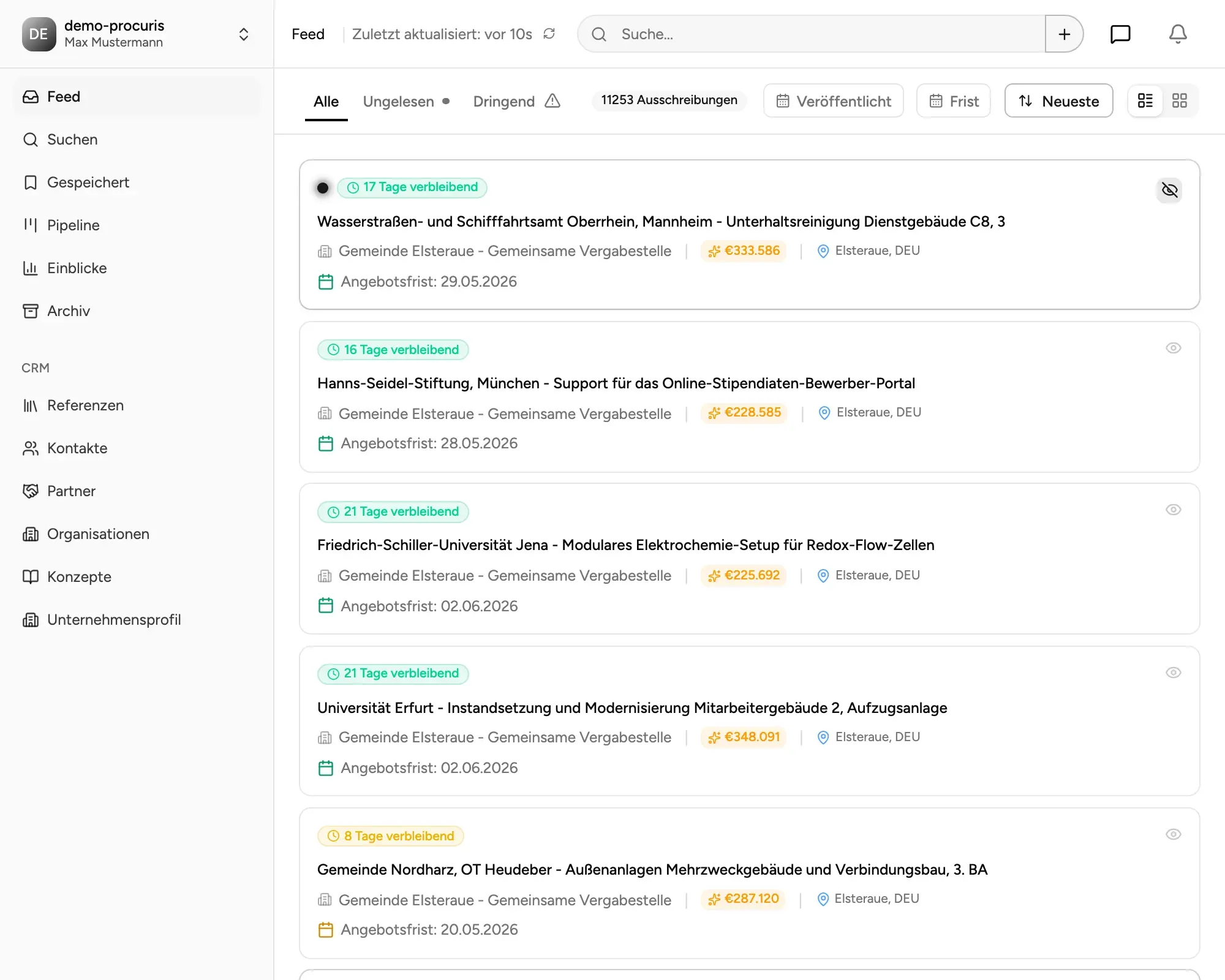
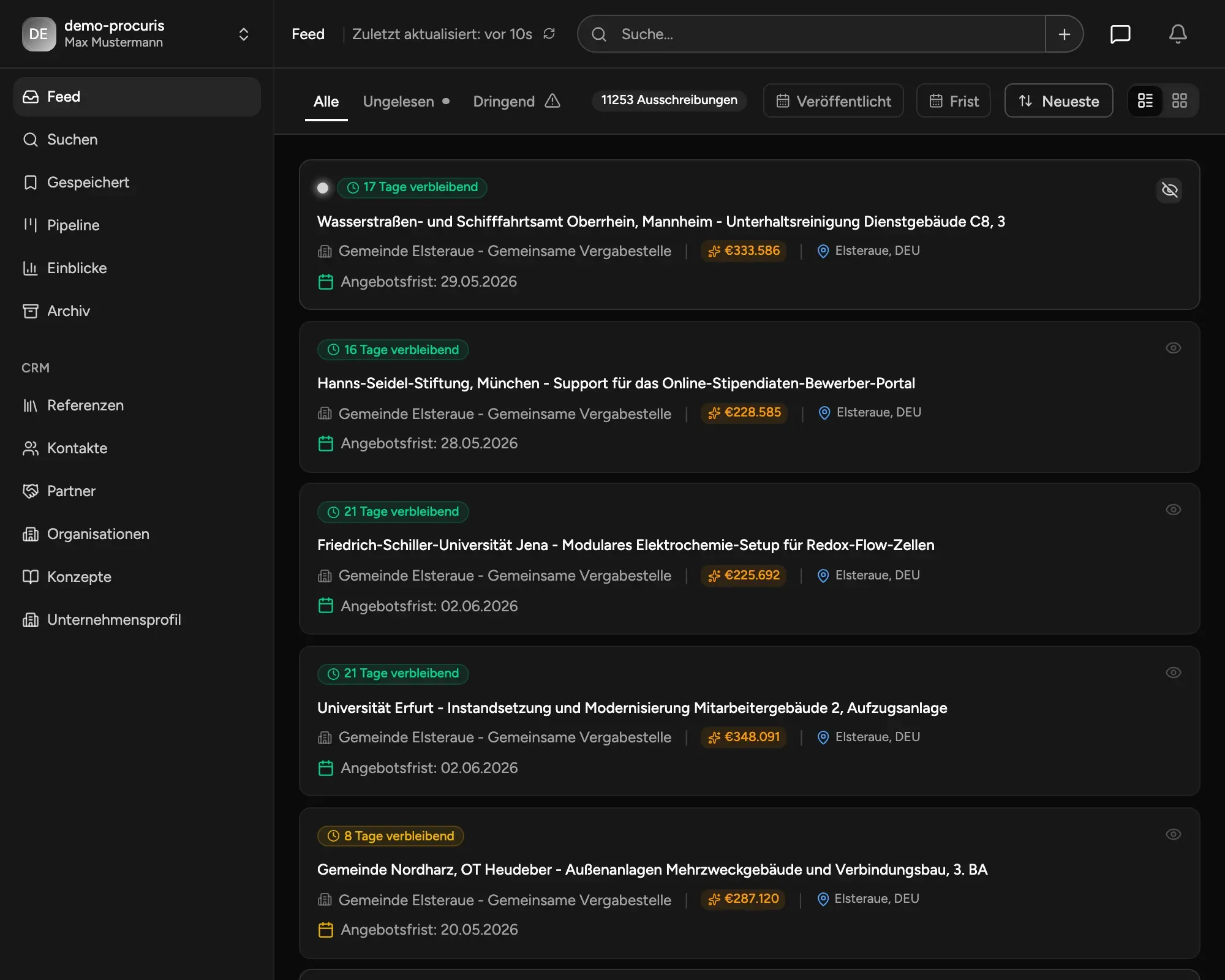
Find relevant tenders faster - without search frustration. Our intelligent search understands content instead of just keywords. It automatically detects similar tenders, estimates contract volume, and prioritizes the best opportunities.
- Content-based search (instead of keyword guessing)
- Automatic contract volume estimation
- Relevance scoring for quick decisions
- Save search alerts & get notified by email
- Free to use
AI summaries directly in the feed
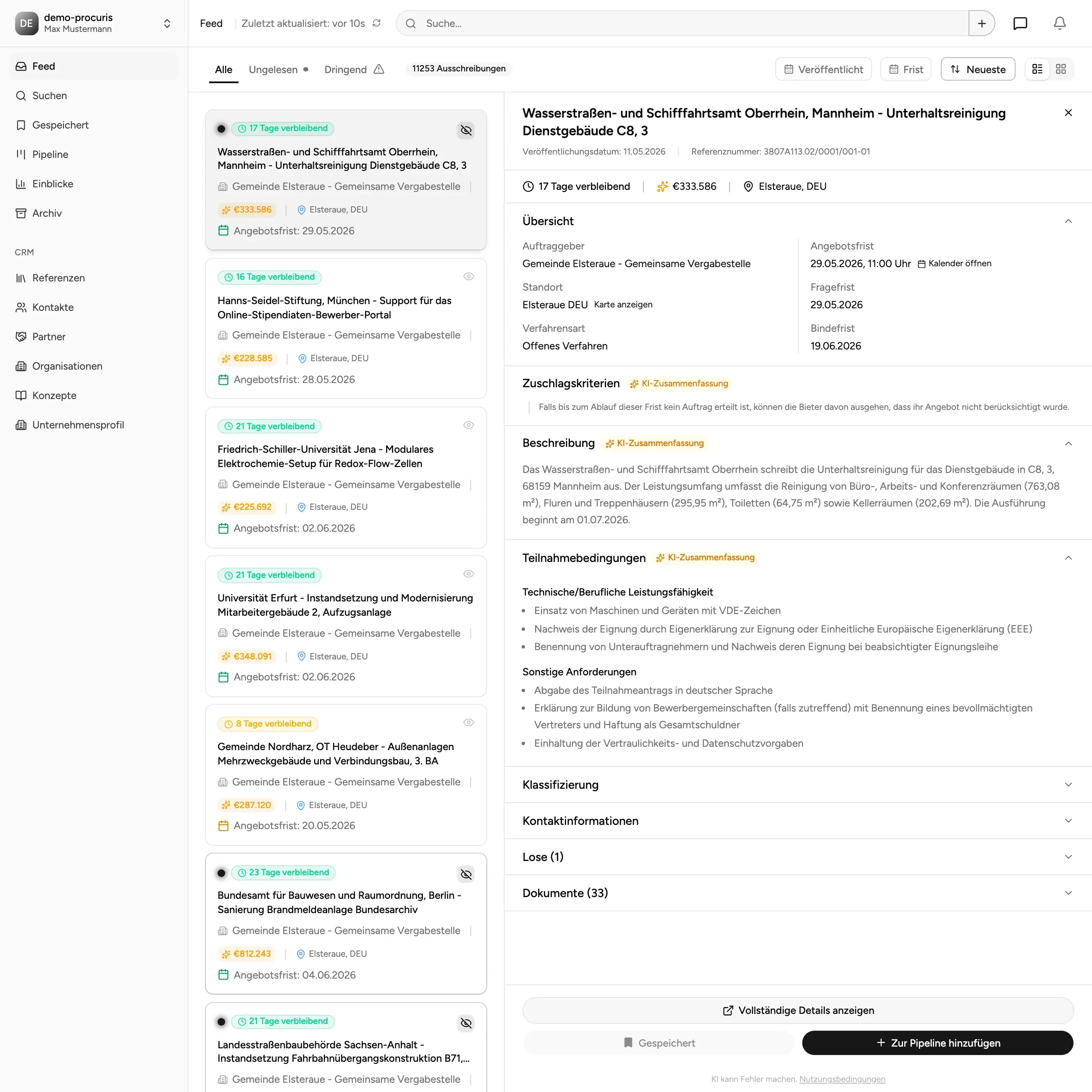
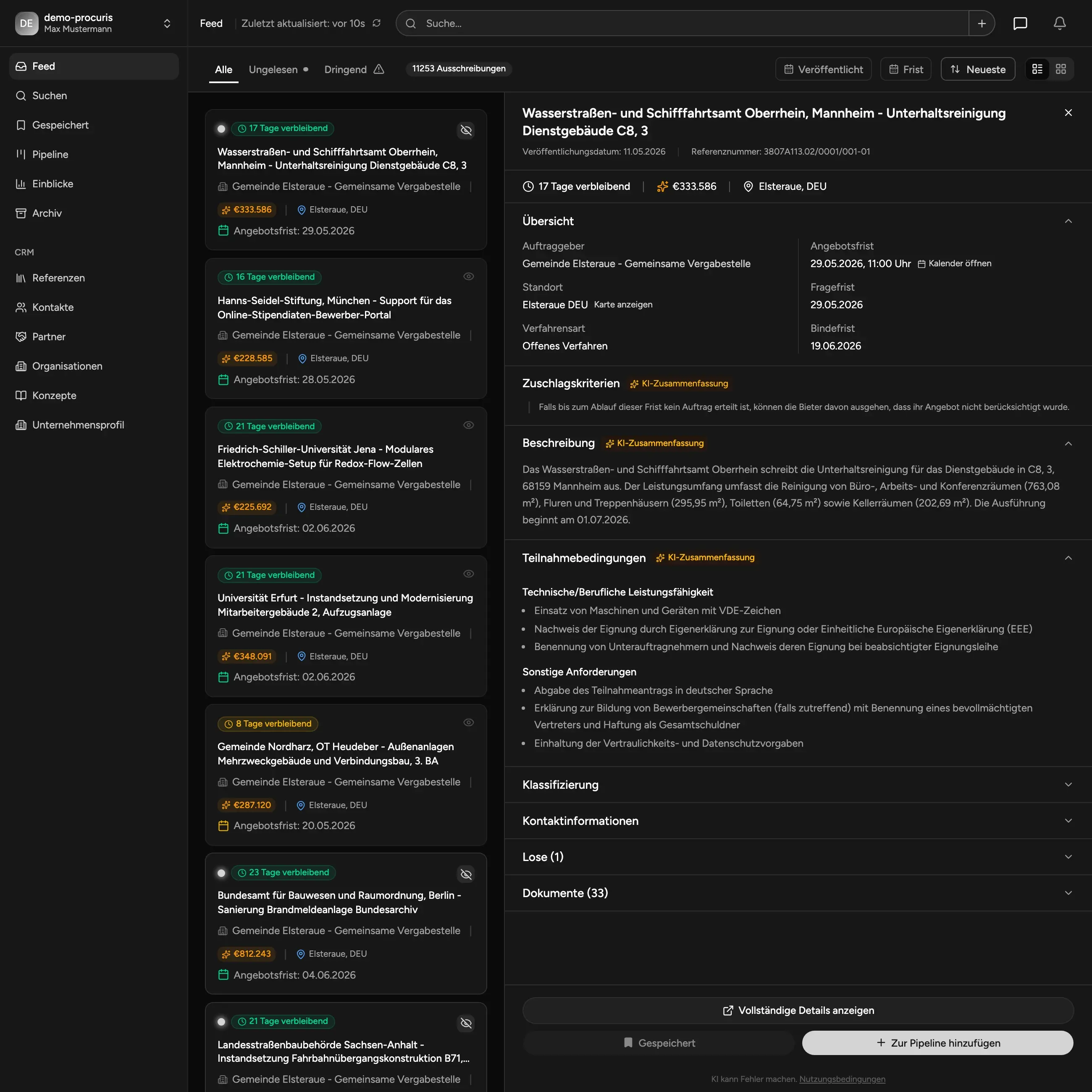
Every tender in the feed is automatically processed by AI: a concise description of the contract subject and a clear summary of the eligibility / participation criteria. Decide in seconds whether a tender is relevant - without opening any PDFs.
- Automatic AI description of the contract subject
- Summary of participation criteria (eligibility, deadlines, formalities)
- Faster pre-selection - less reading, more deciding
- Fully free as part of the feed
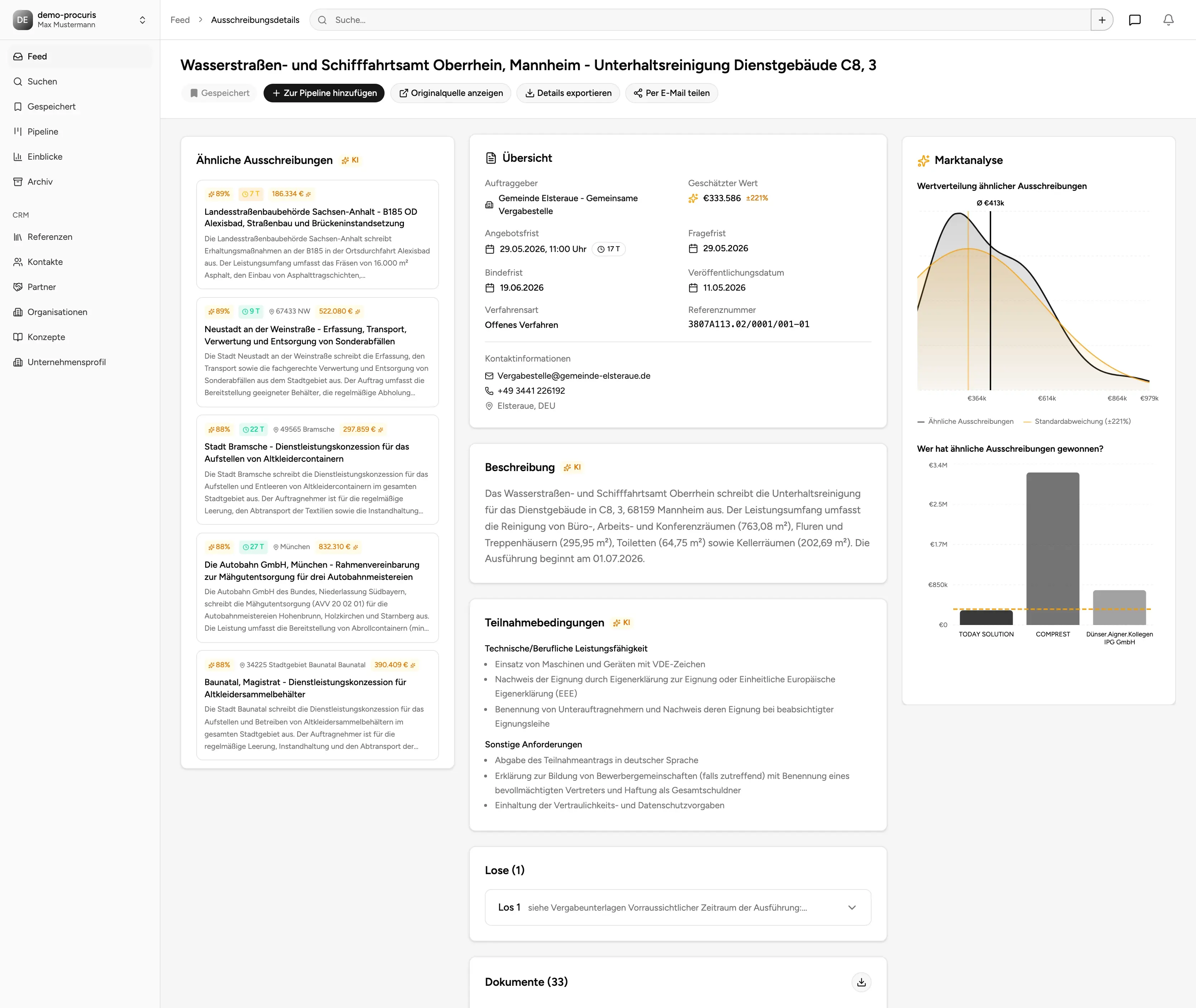
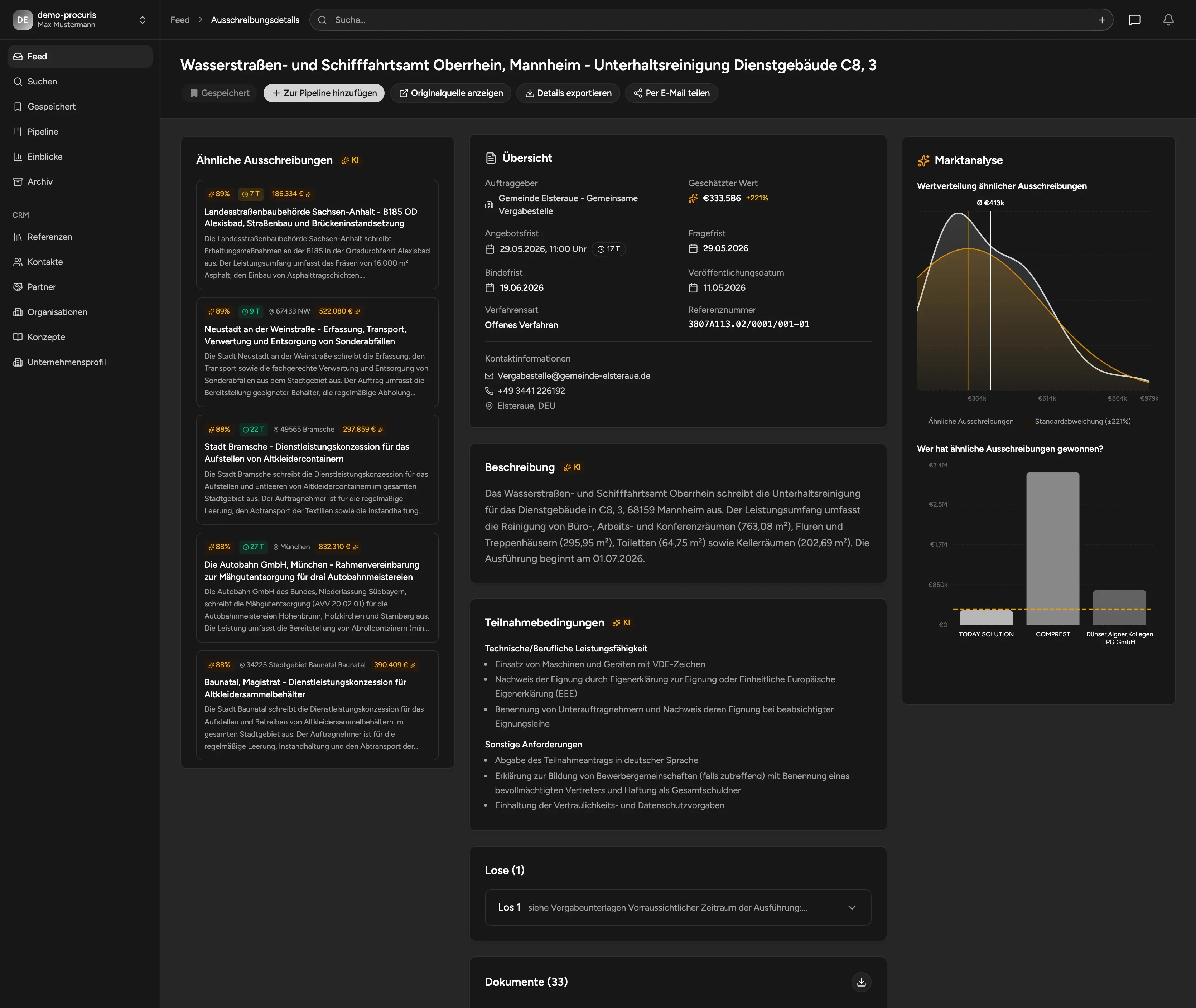
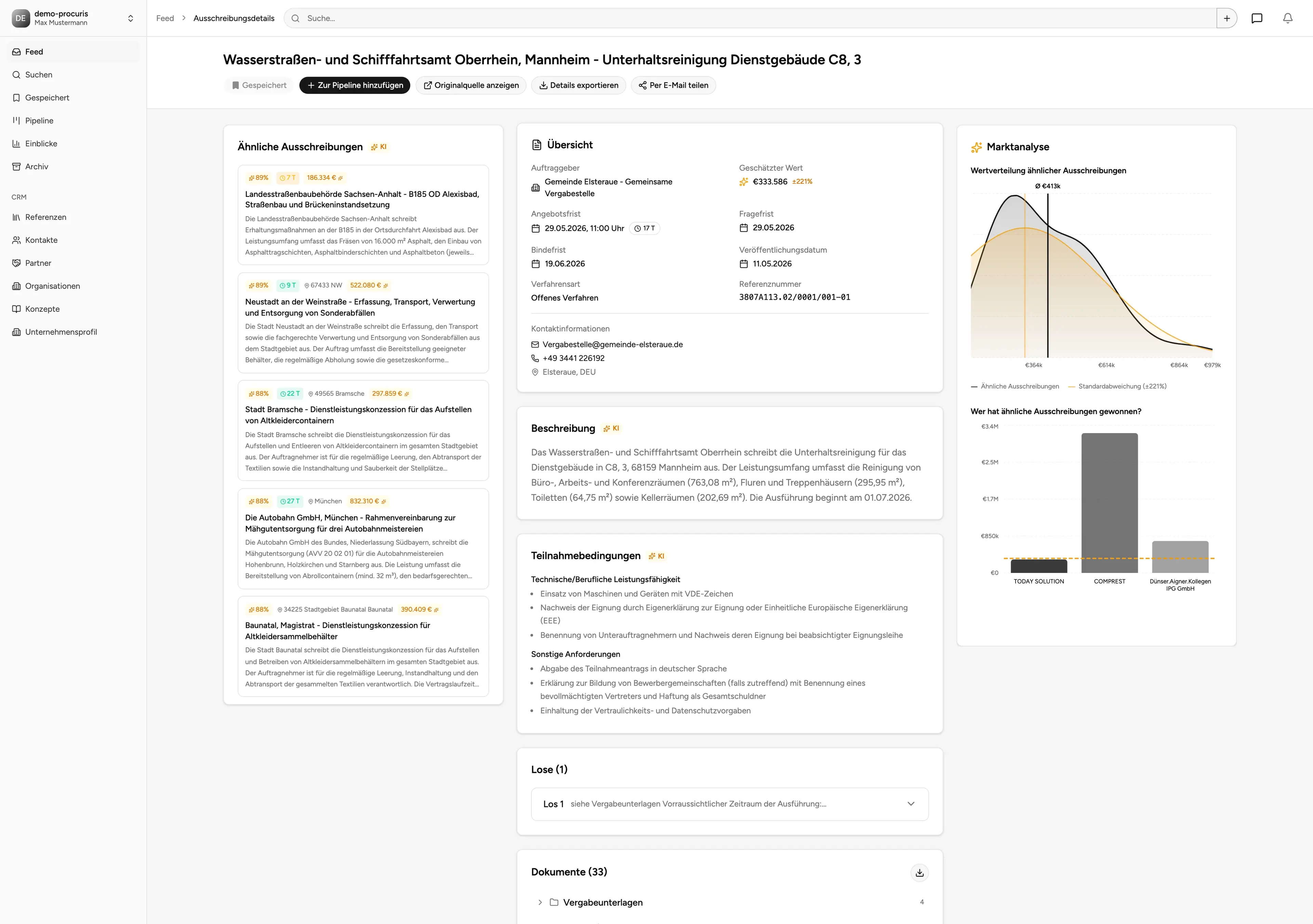
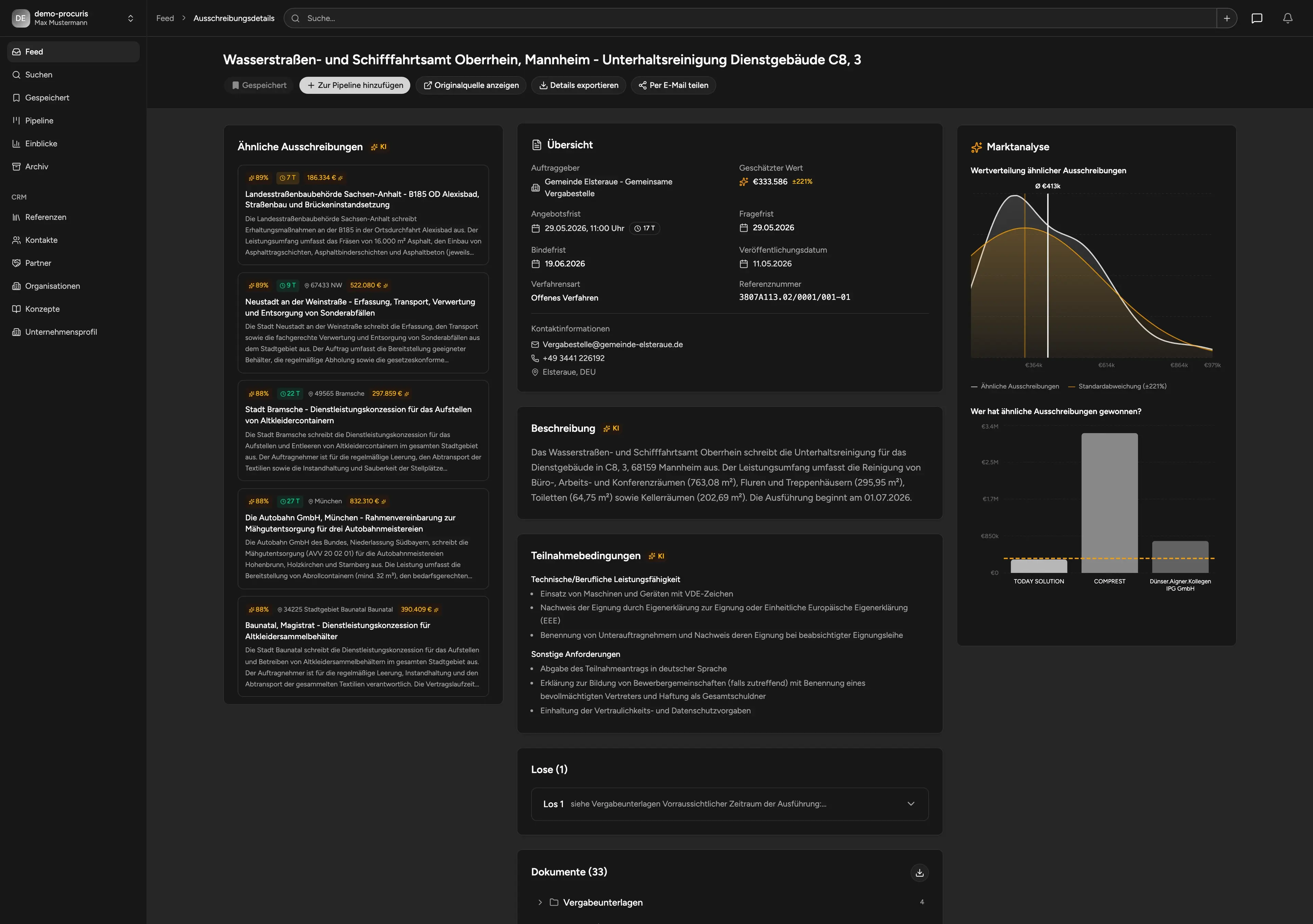
Tender detail with market context
On every tender detail page you instantly see: similar tenders (AI matching), the estimated market volume for comparable contracts, and the market participants who have won similar work. Competitive intelligence right on the tender - free of charge.
- AI-similar tenders automatically linked
- Market volume for comparable contracts
- Market participants & previous winners
- Better go/no-go decisions with context
- All insights free
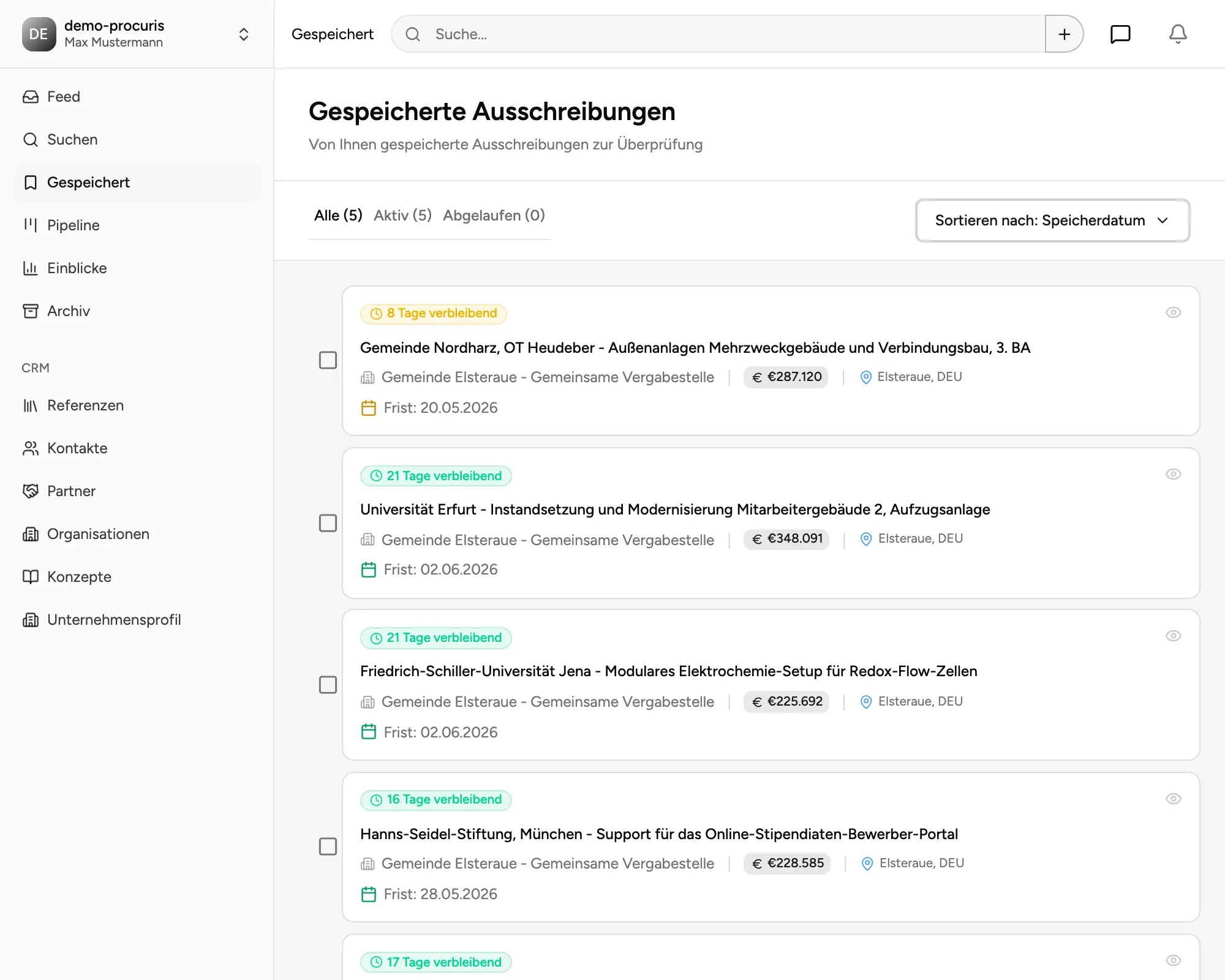
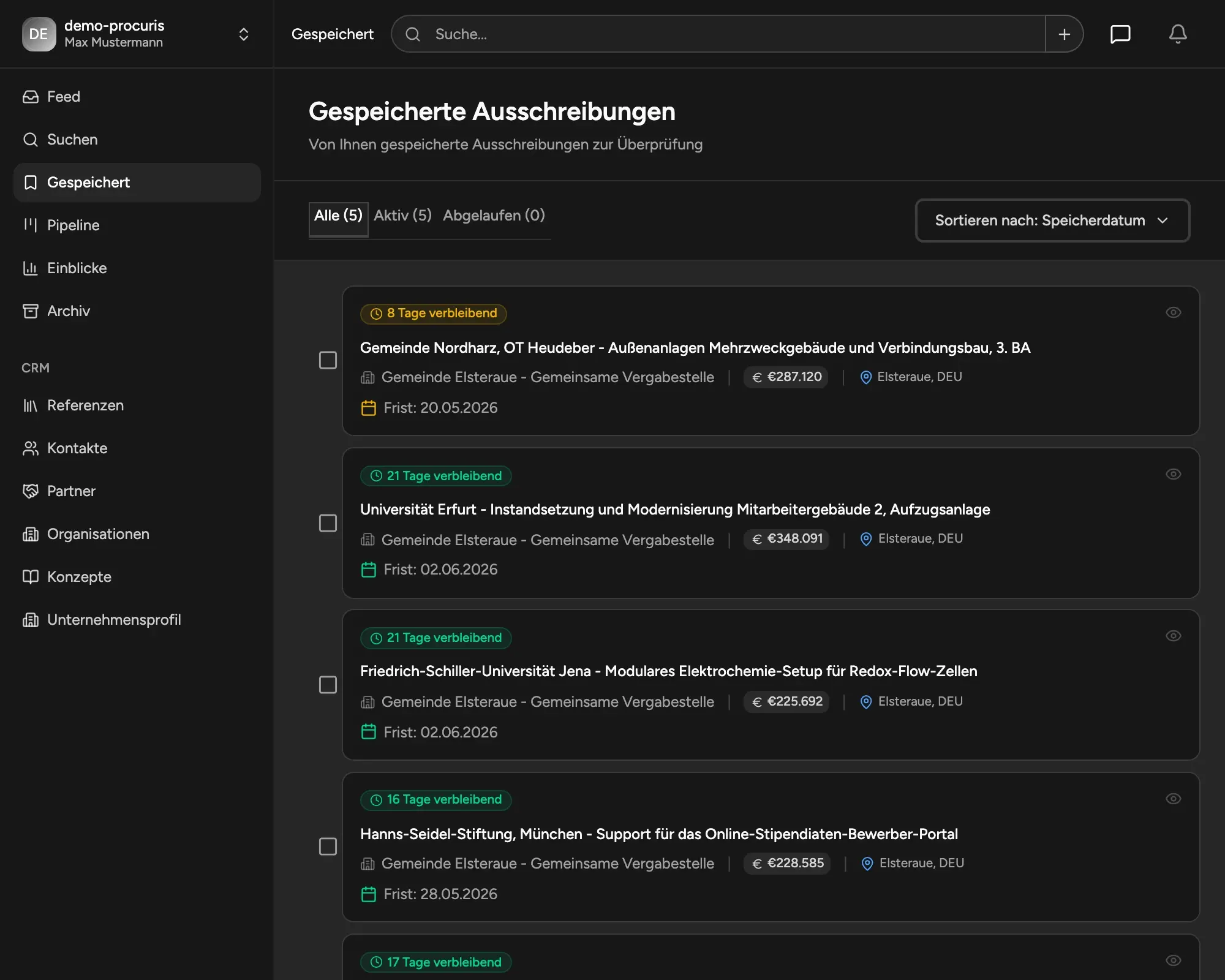
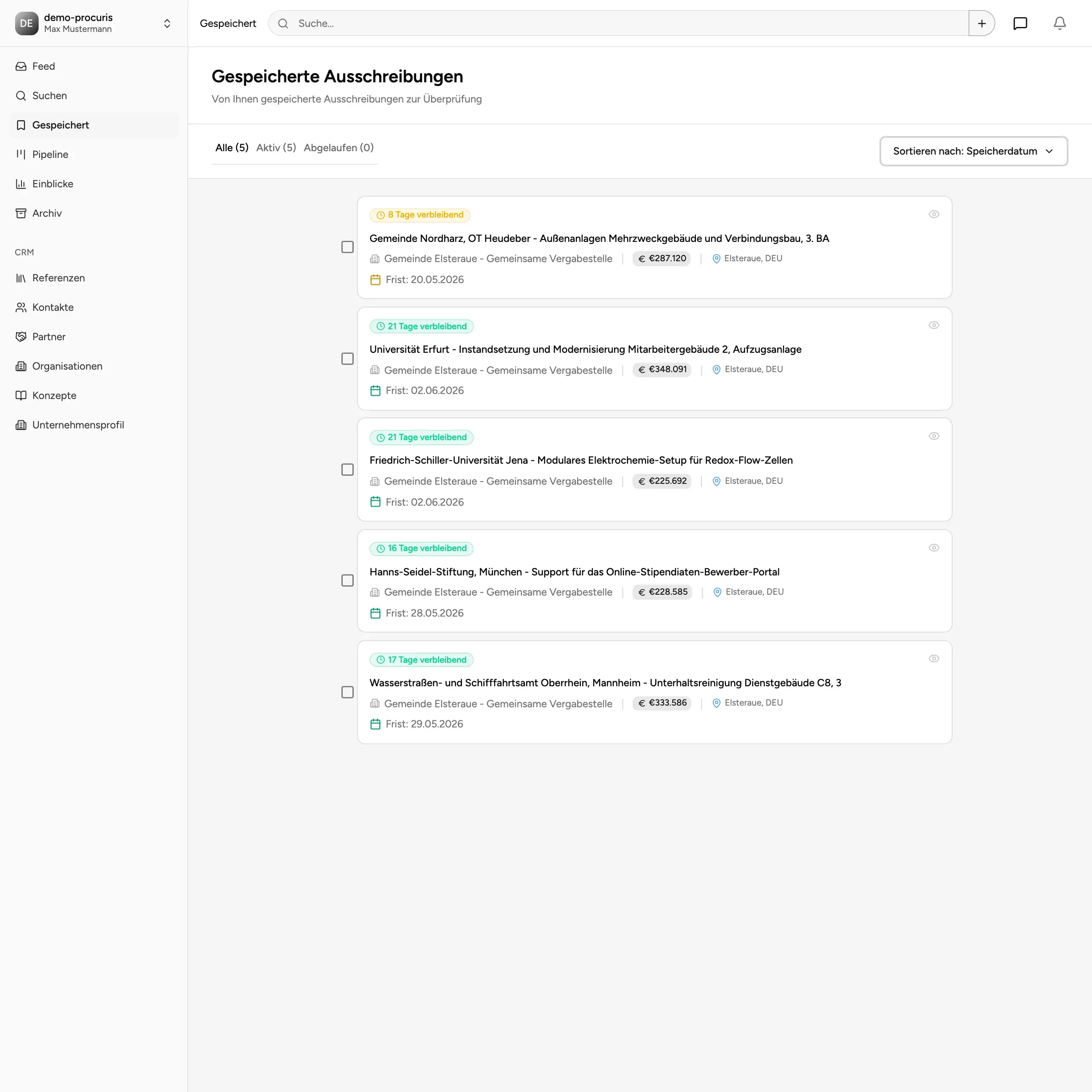
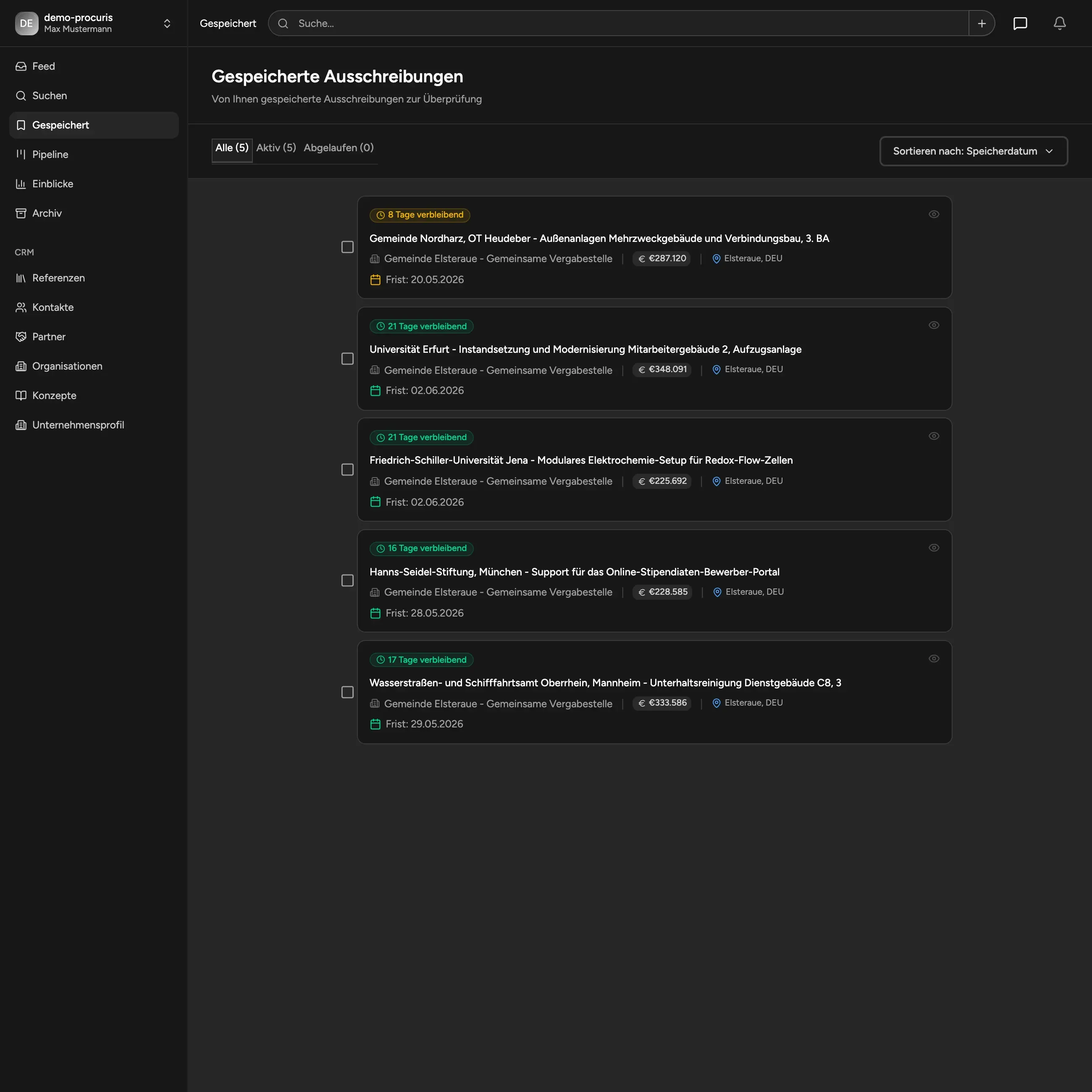
Watchlist & Structured Pre-selection
Collect, evaluate, and prepare opportunities. Save interesting tenders for later and build a clean decision basis - before they go into active work.
- Save & organize tenders
- Clear separation of "watching" and "working"
- Never lose track of deadlines or relevant tenders
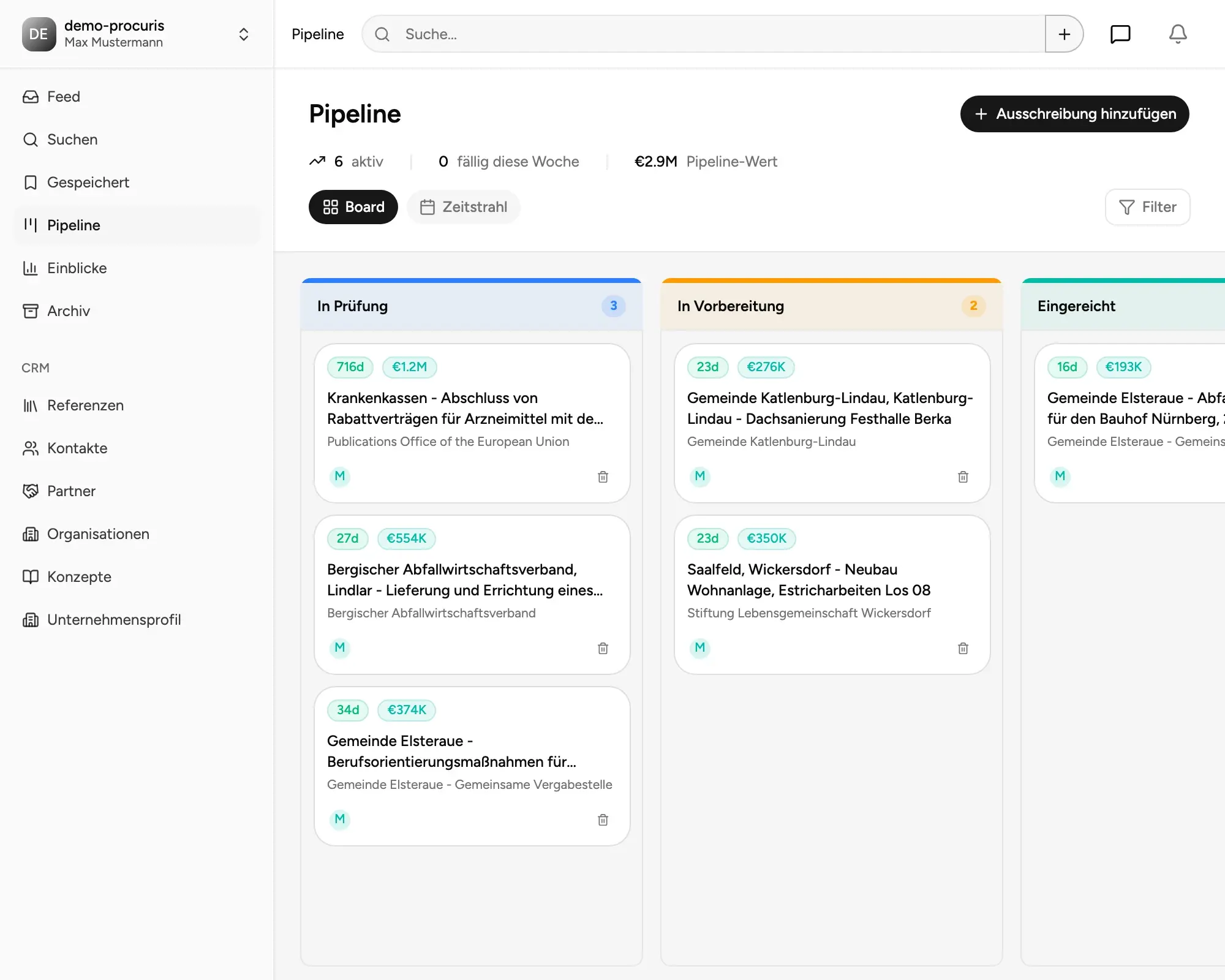
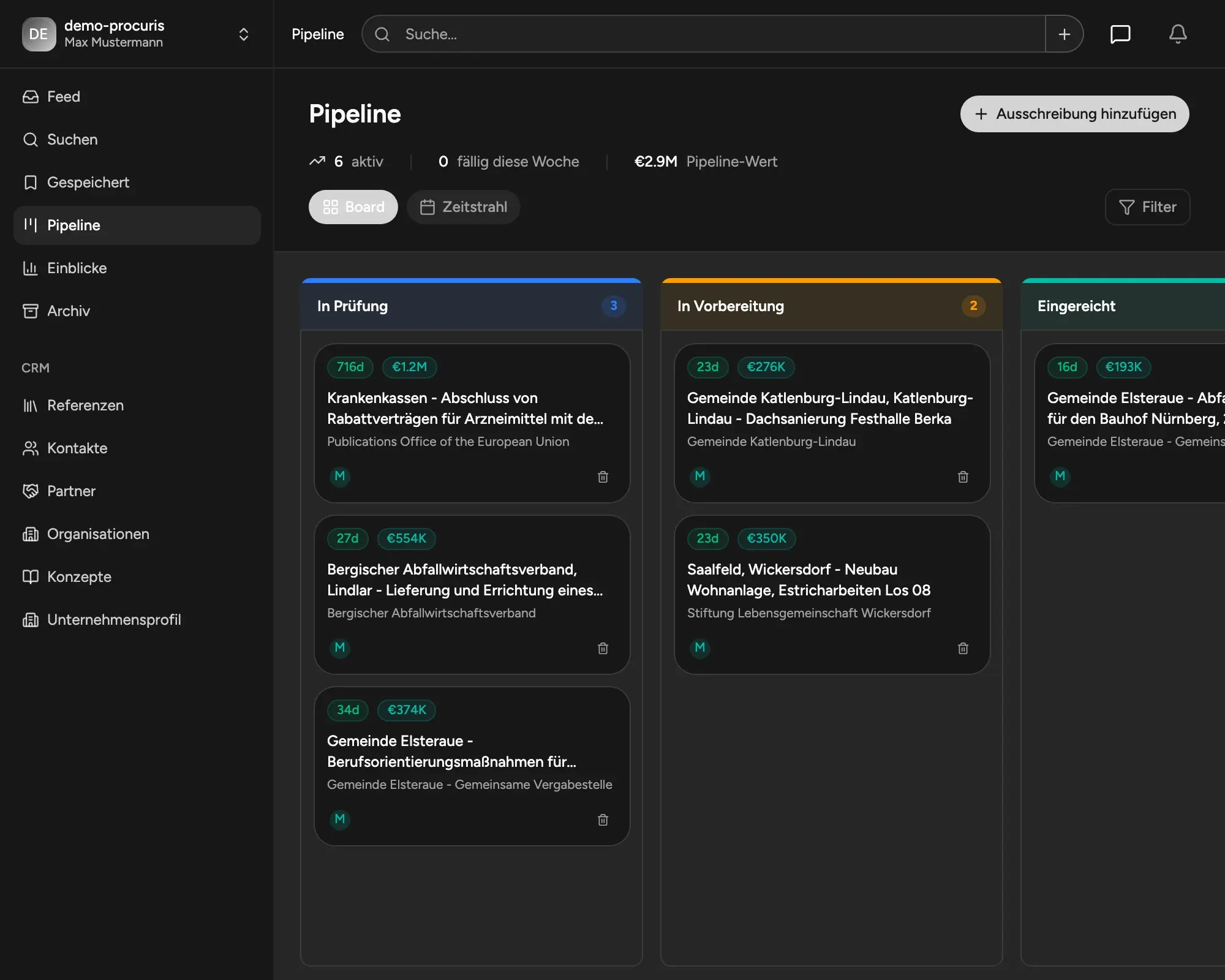
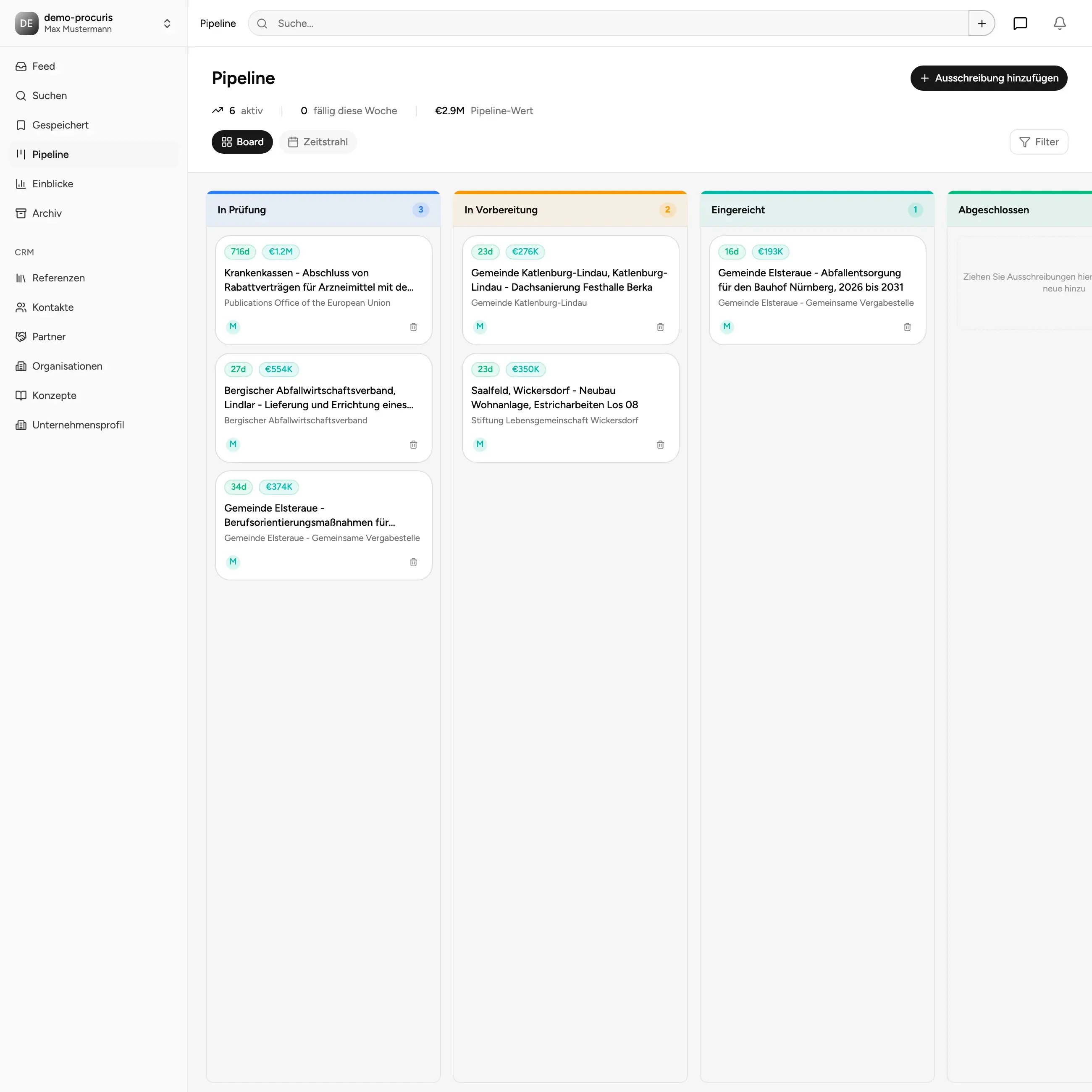
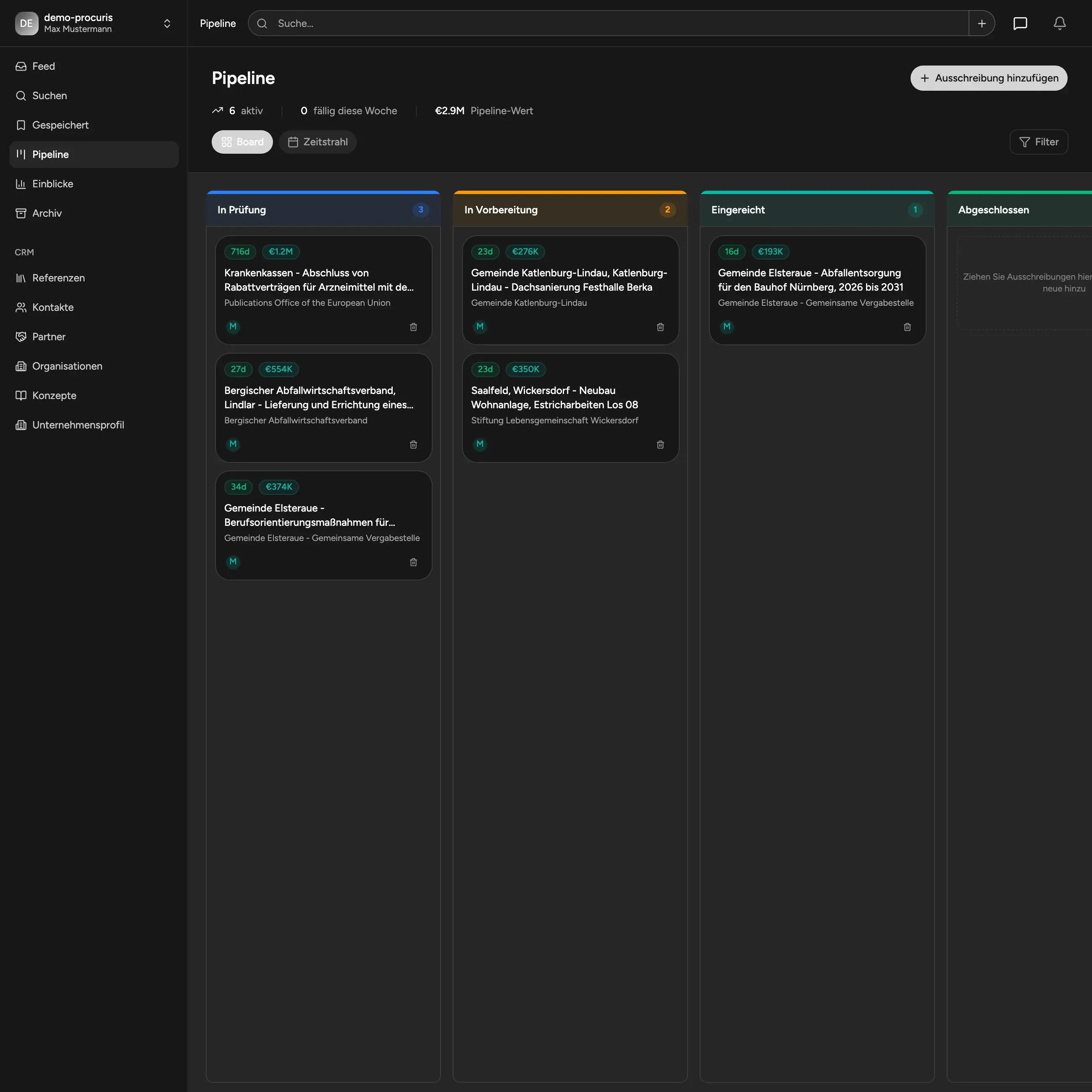
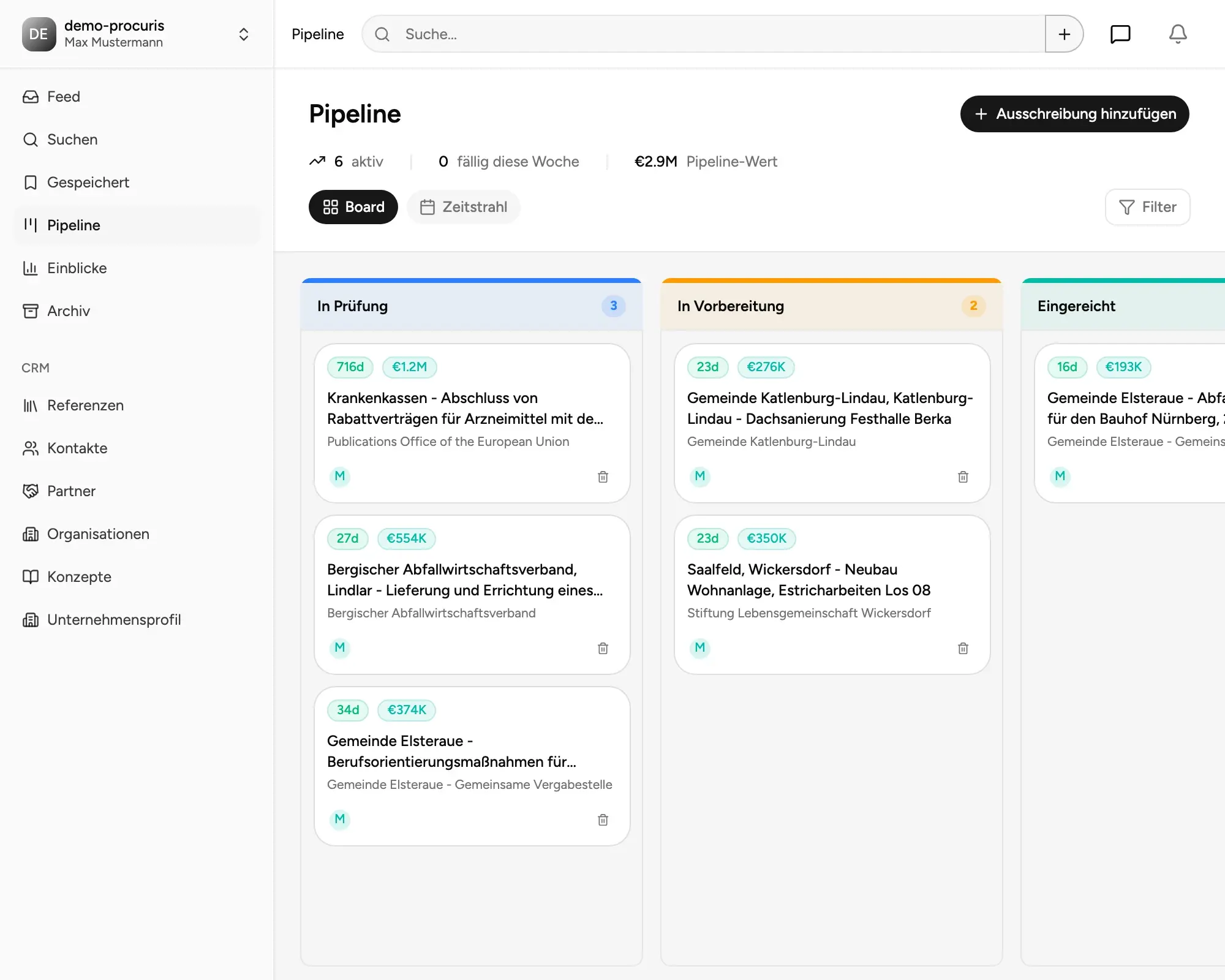
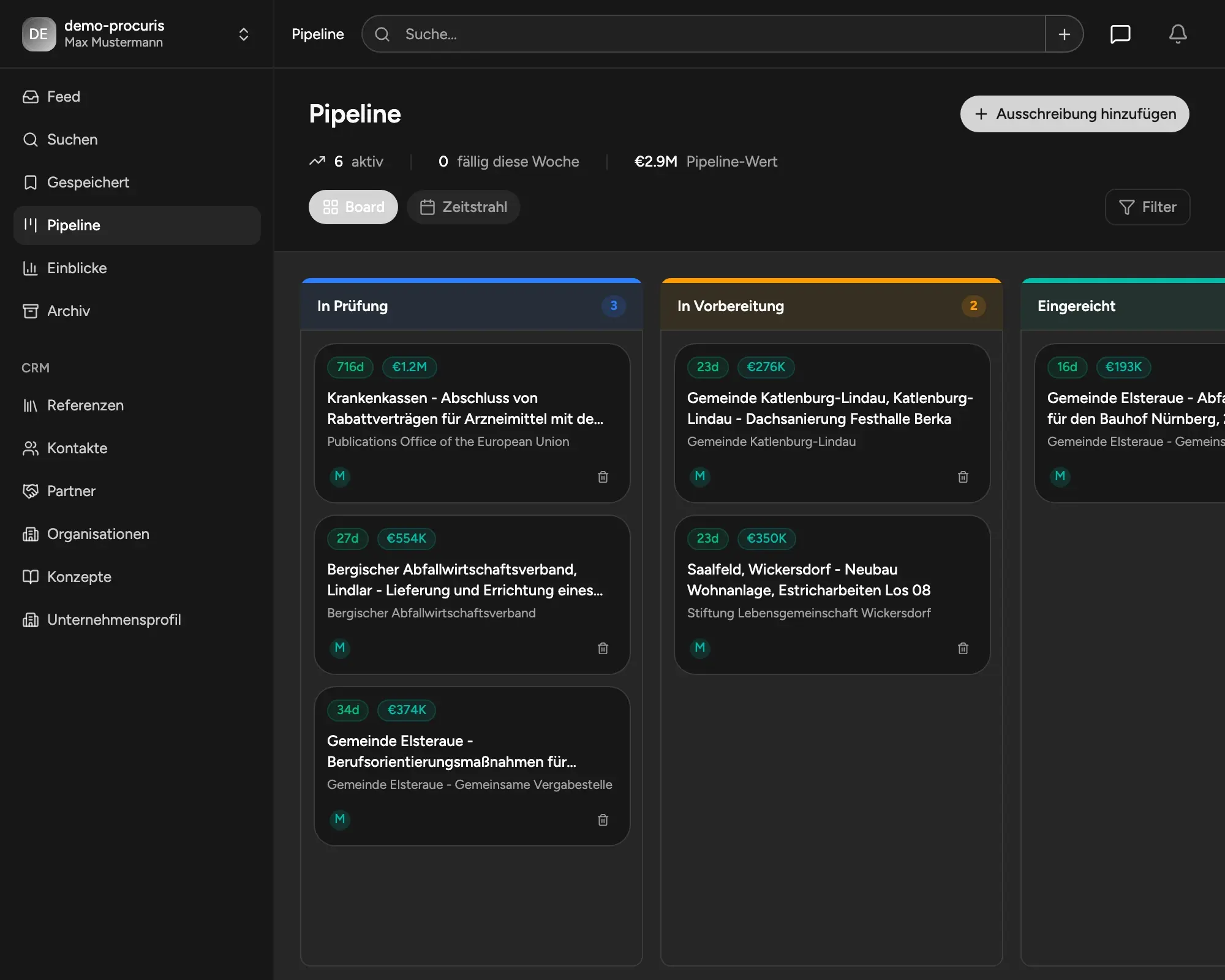
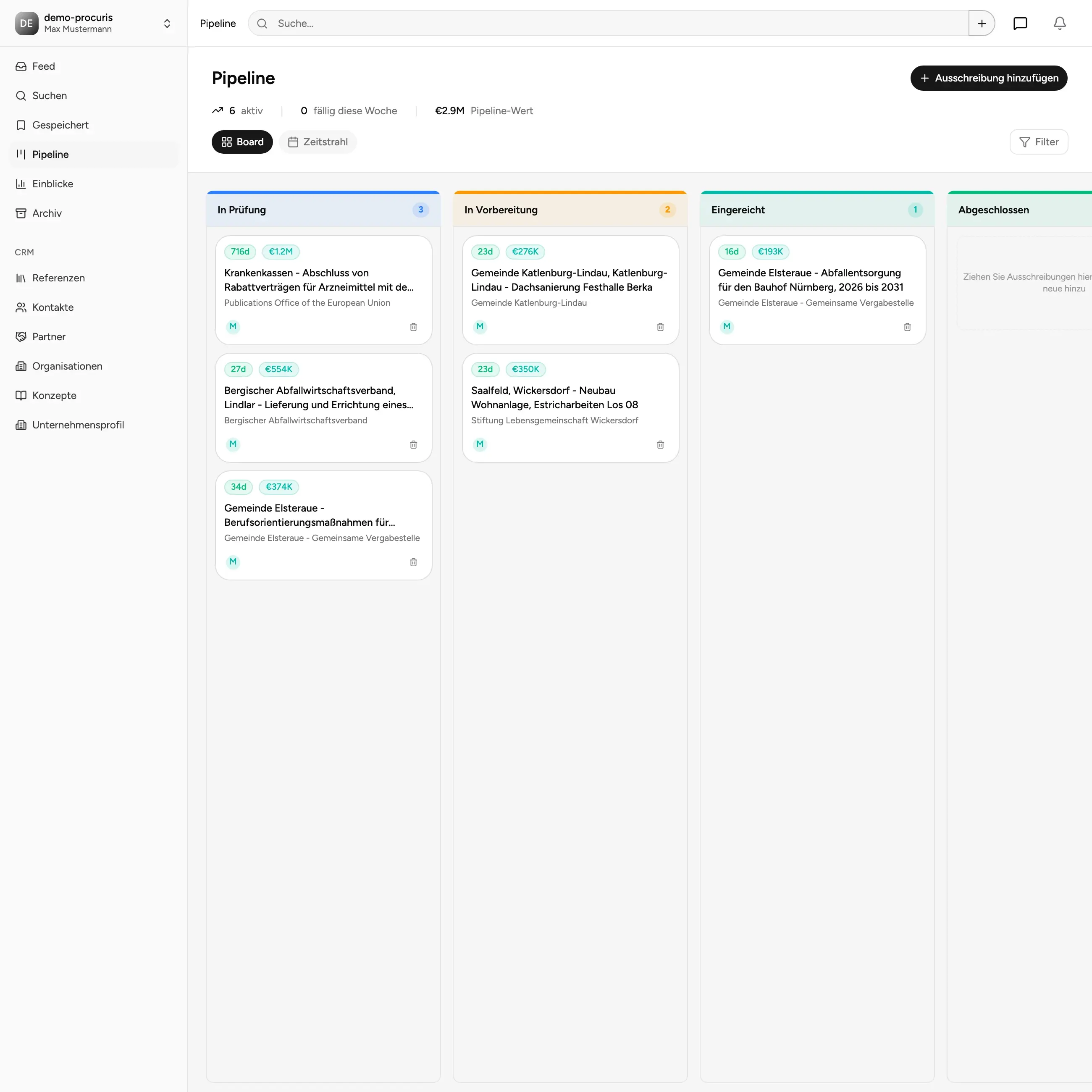
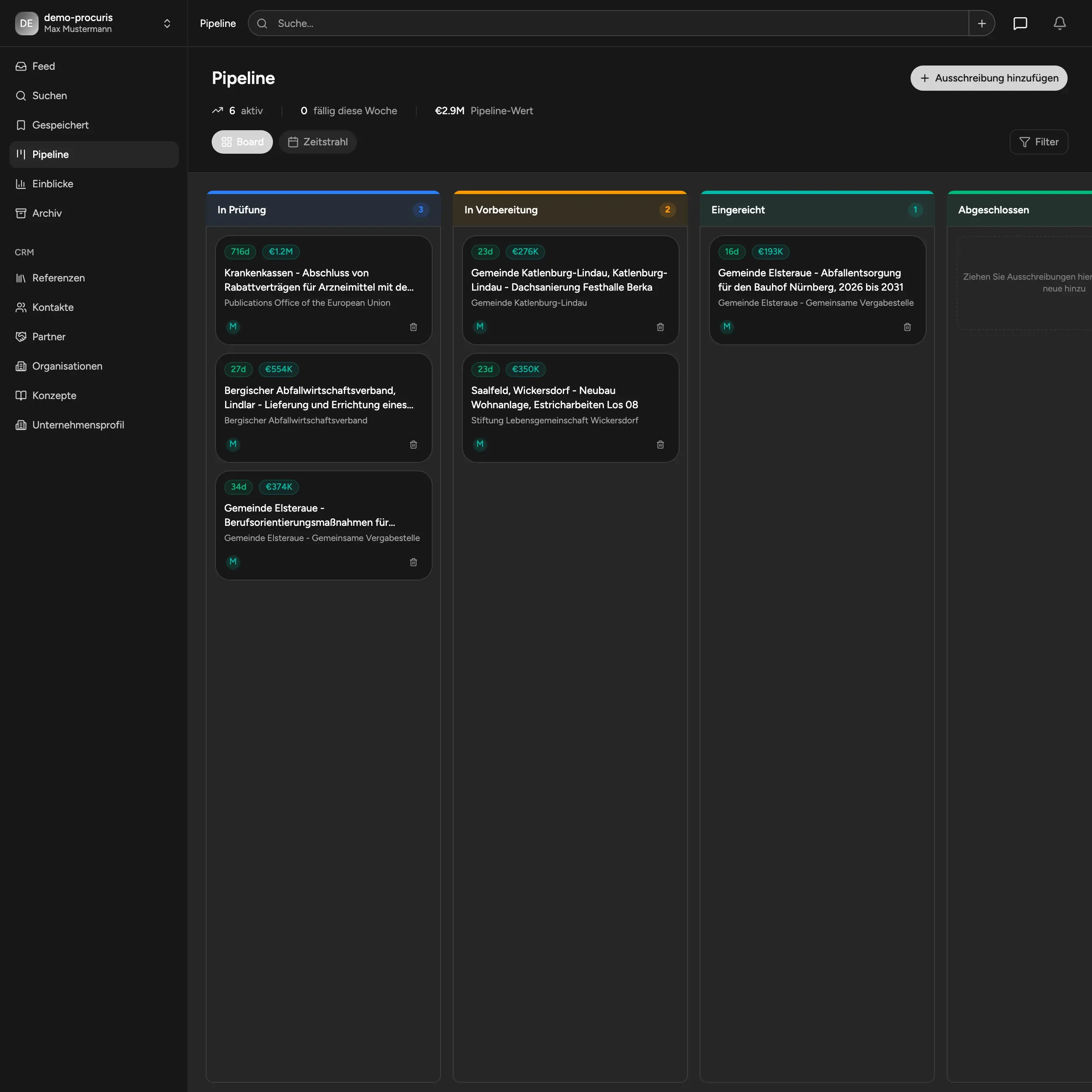
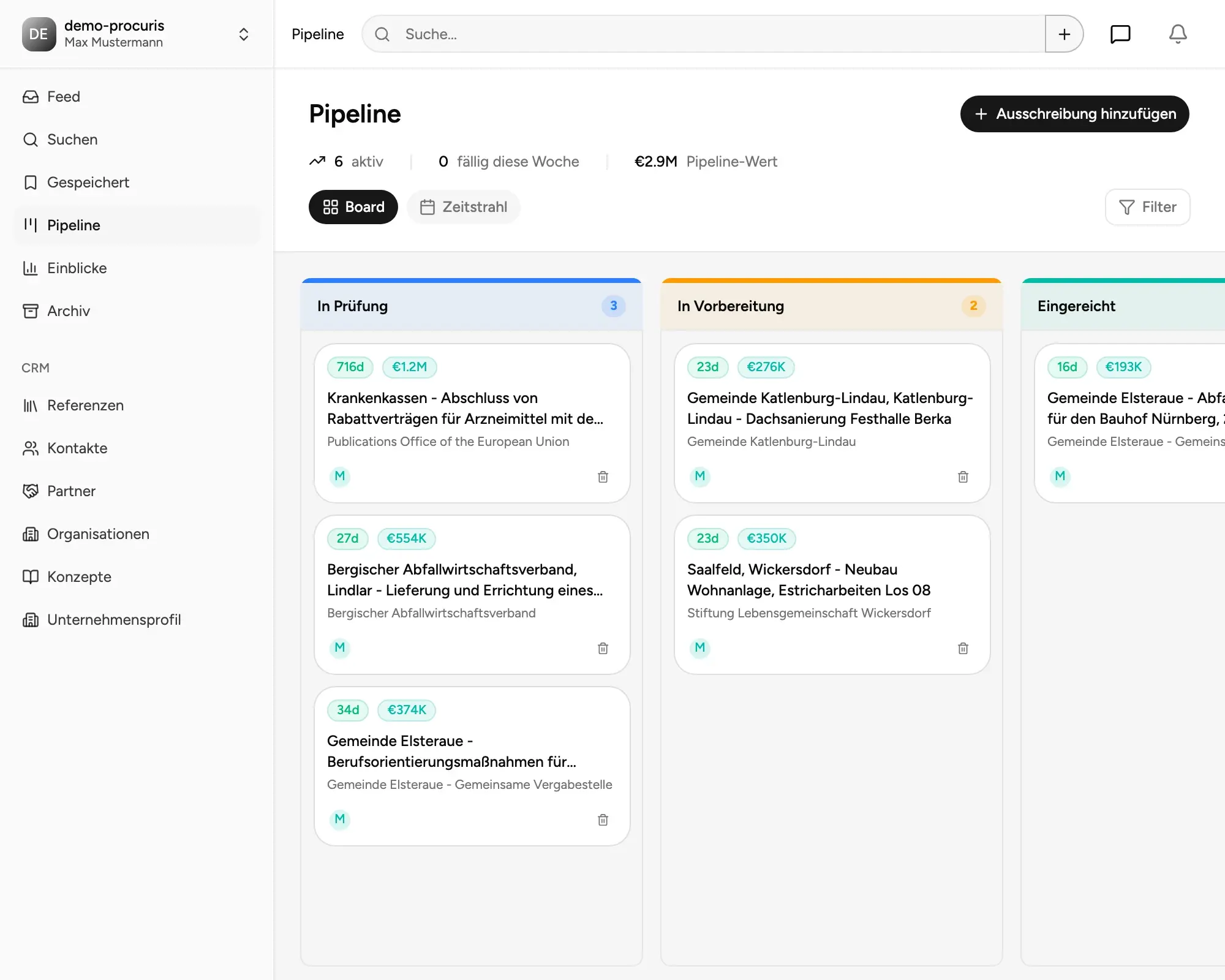
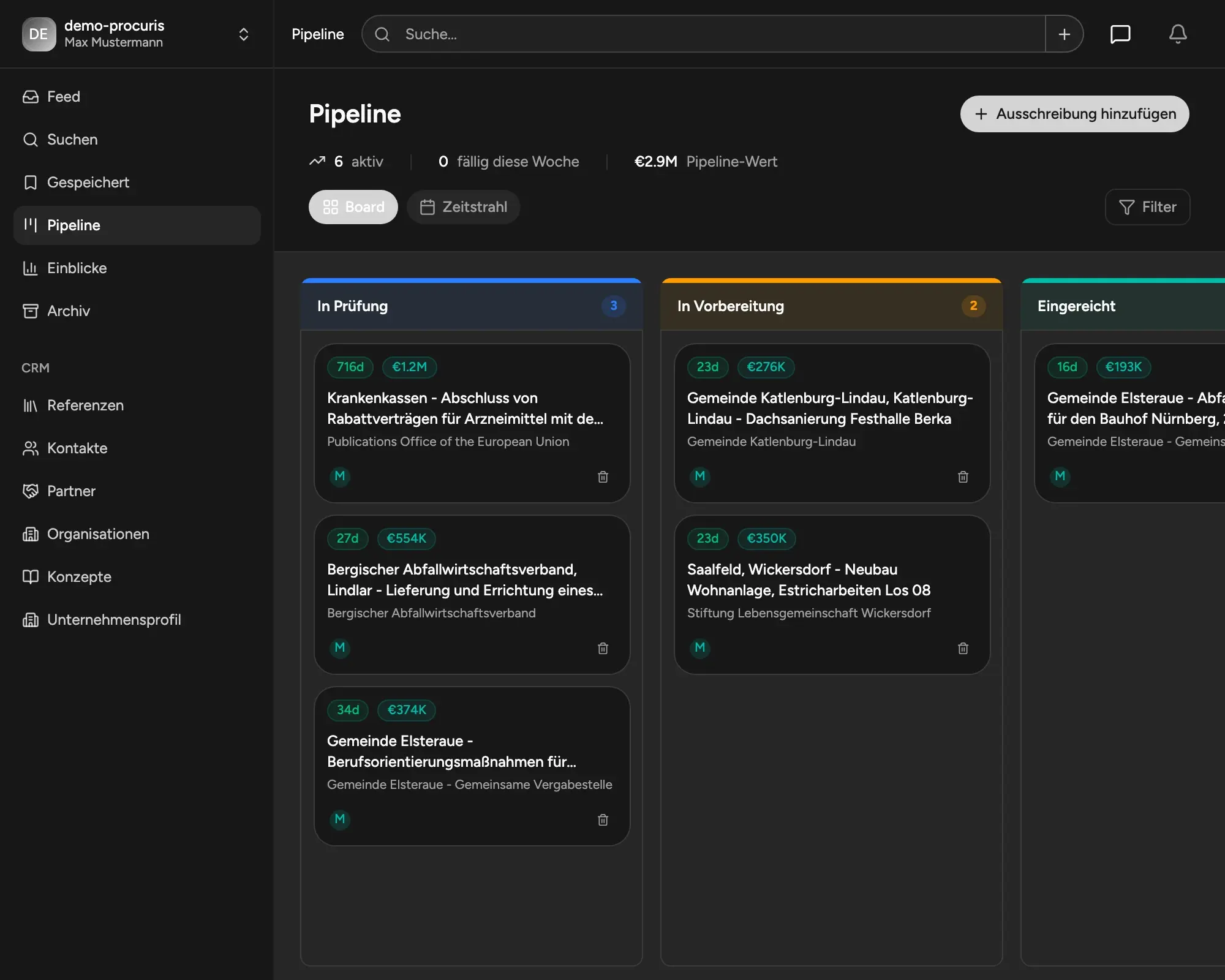
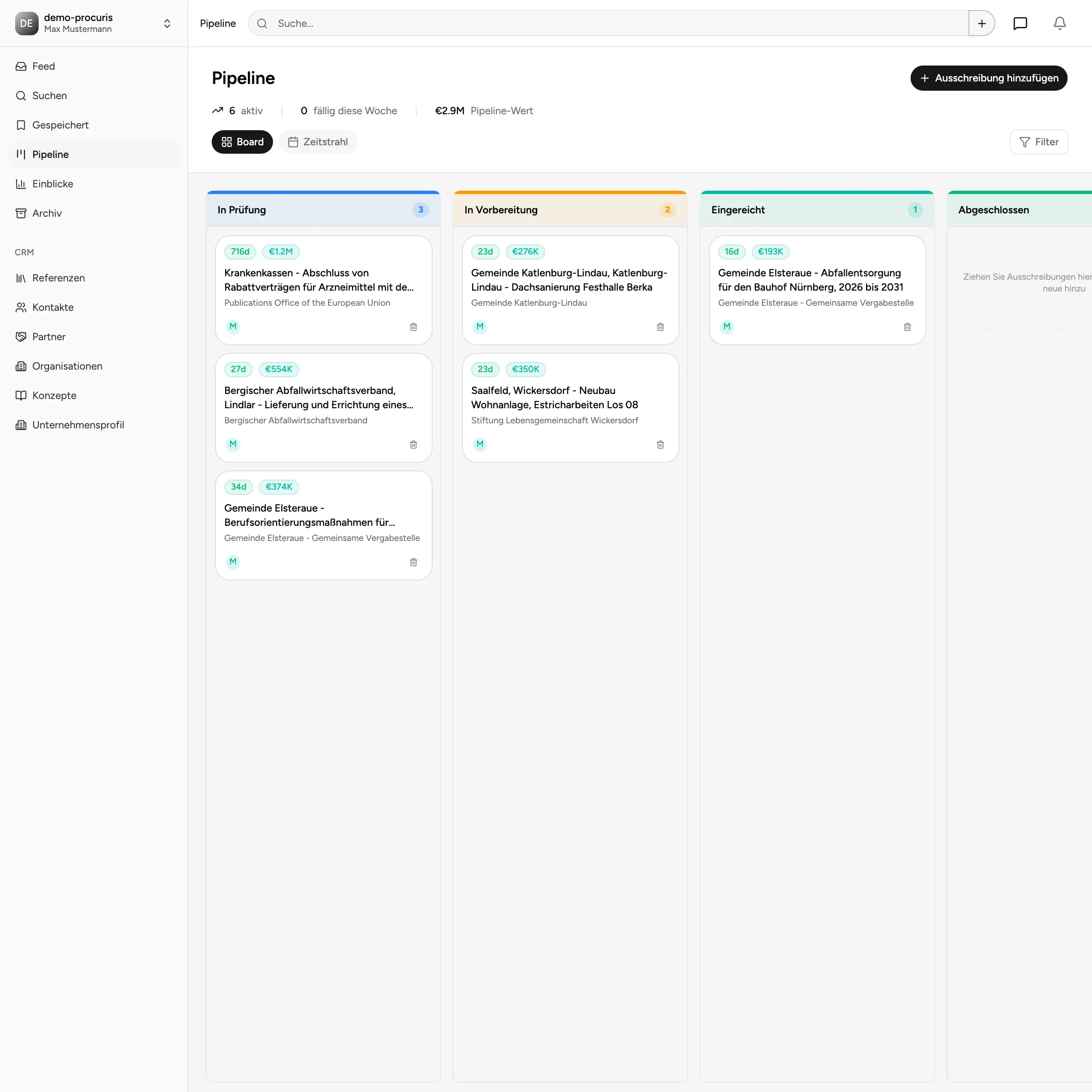
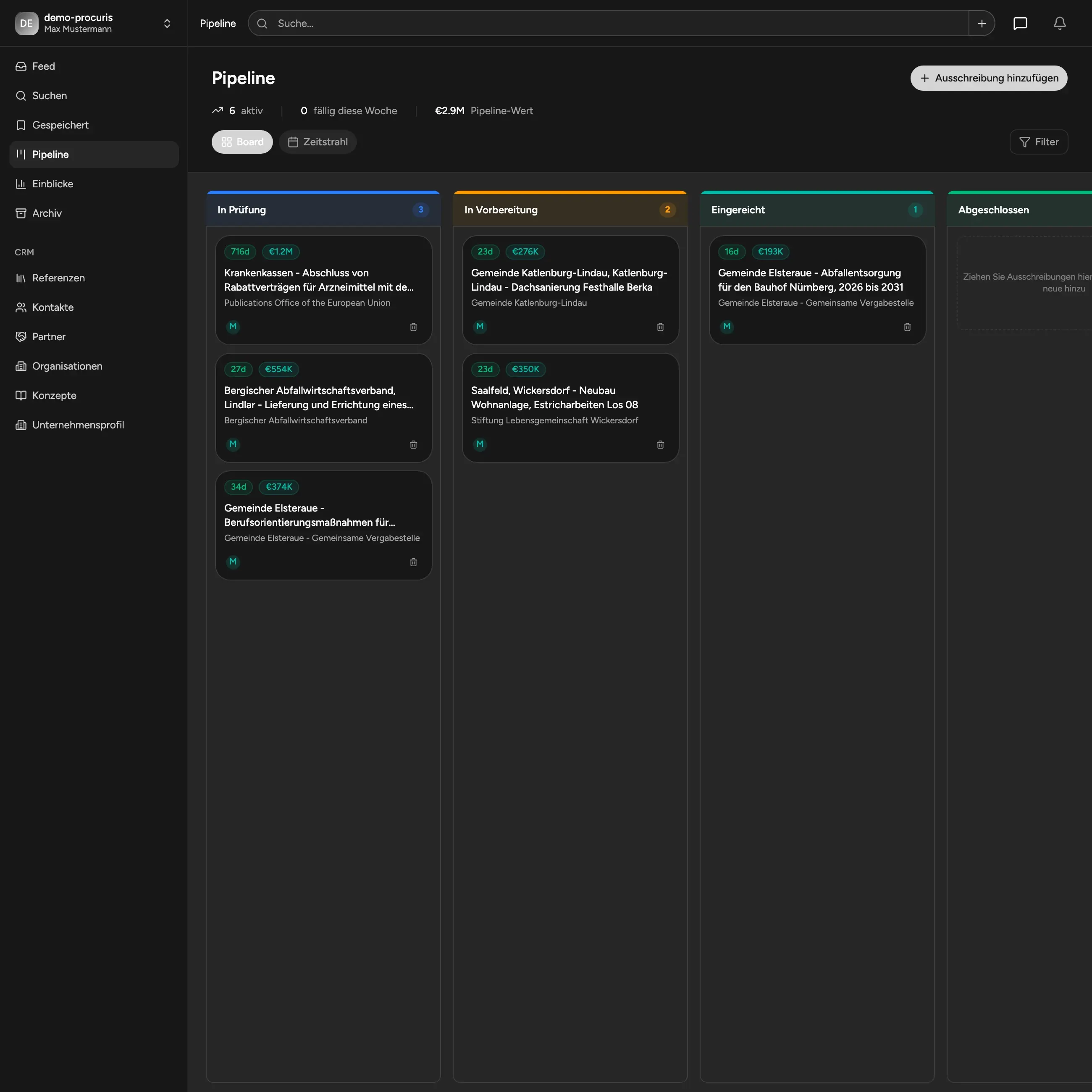
Pipeline, Calendar & Collaboration
From interest to submission - always in view. Work through tenders in a customizable pipeline. Tasks, notes, and deadlines are visible to everyone - including calendar and timeline views.
- Freely definable stages
- Kanban, calendar & timeline view
- Tasks & notes as a team
- Clear responsibilities & progress
- (Team features in Pro)
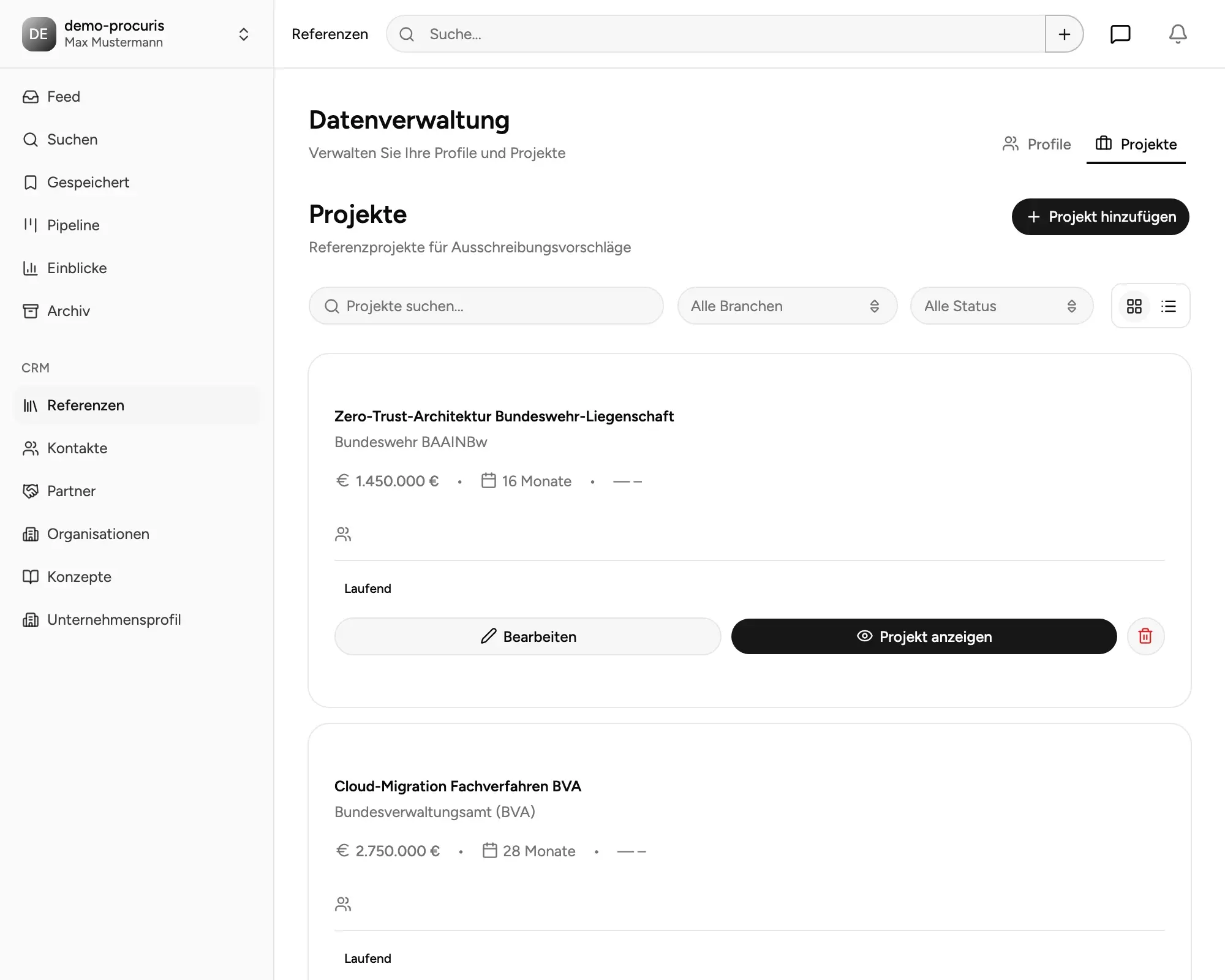
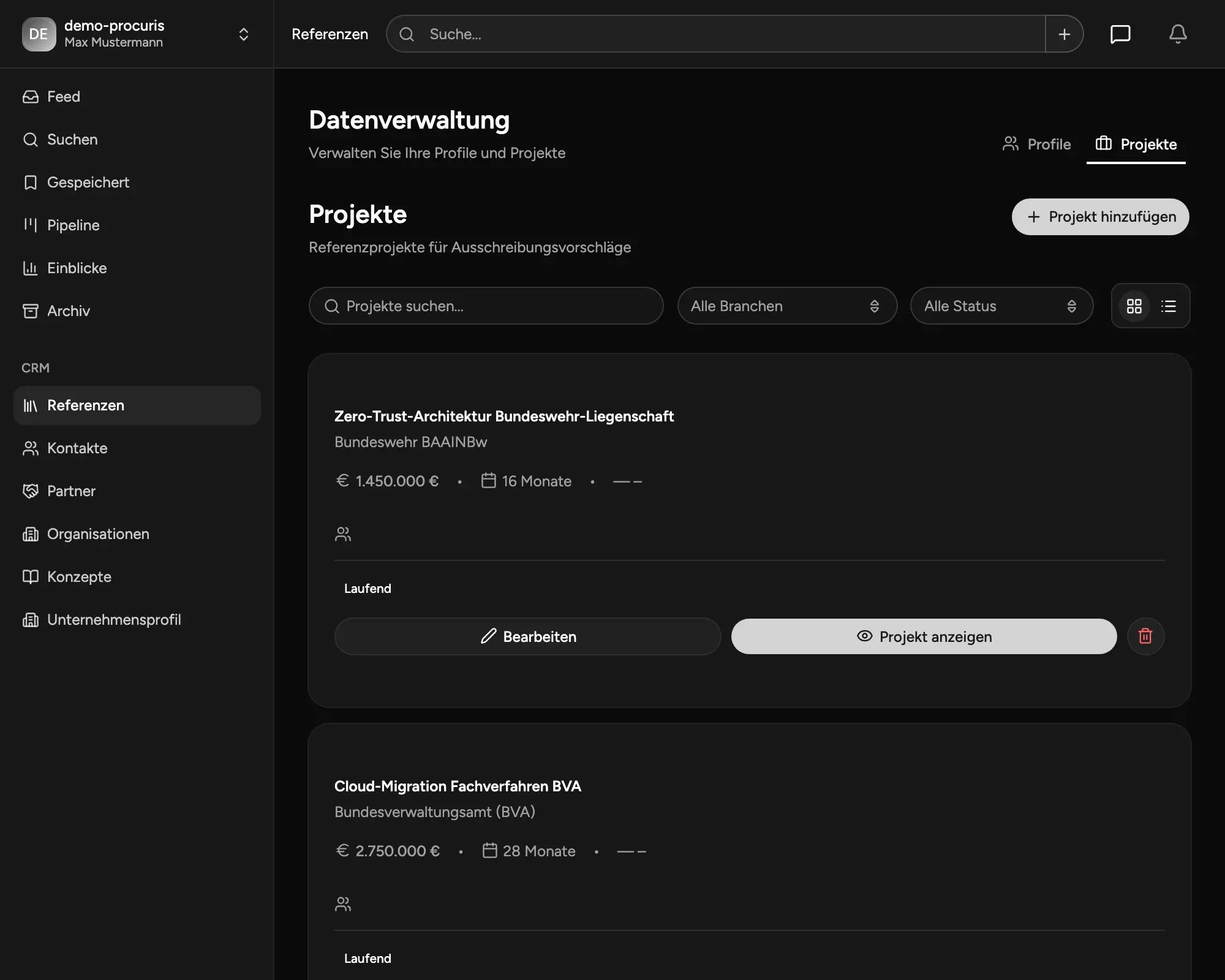
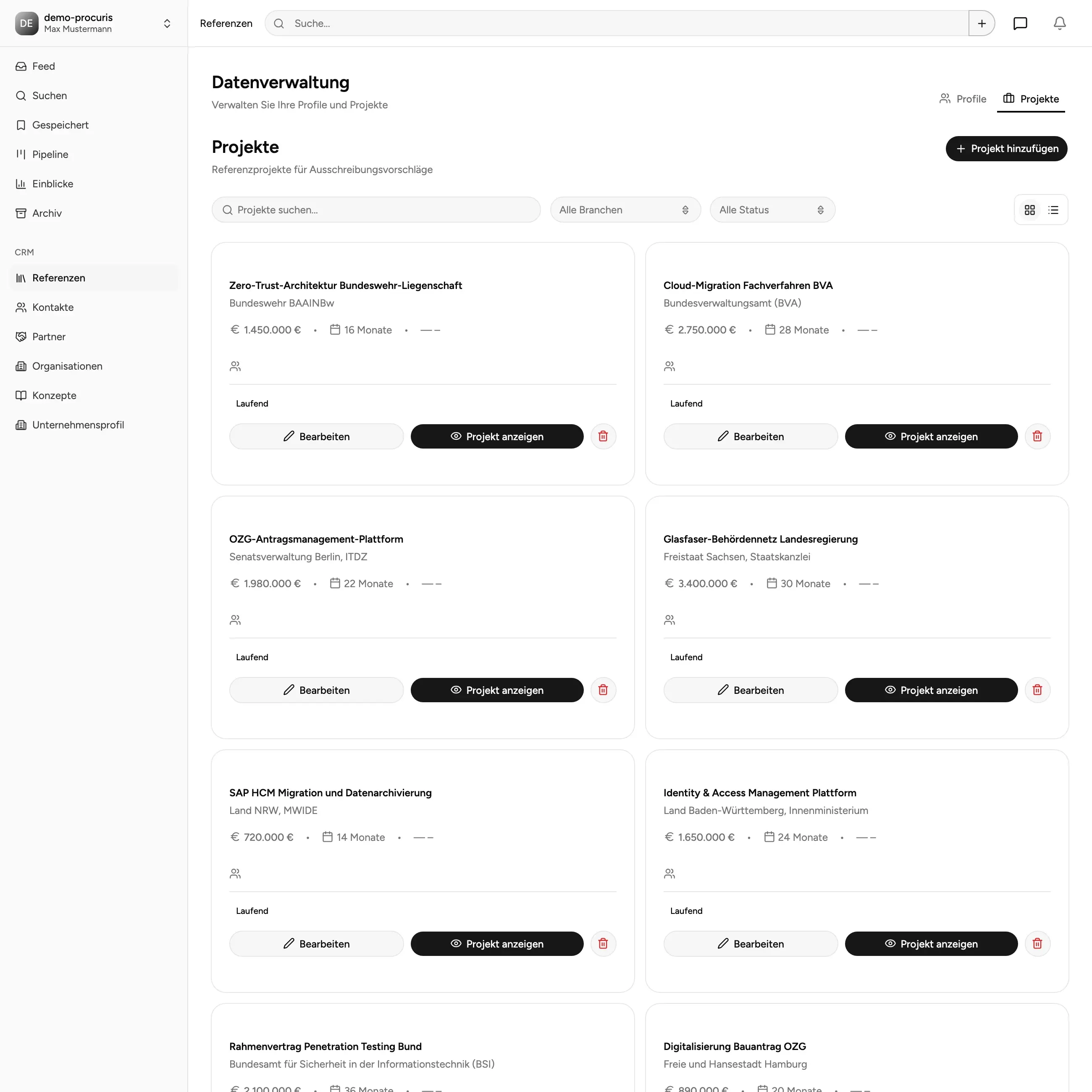
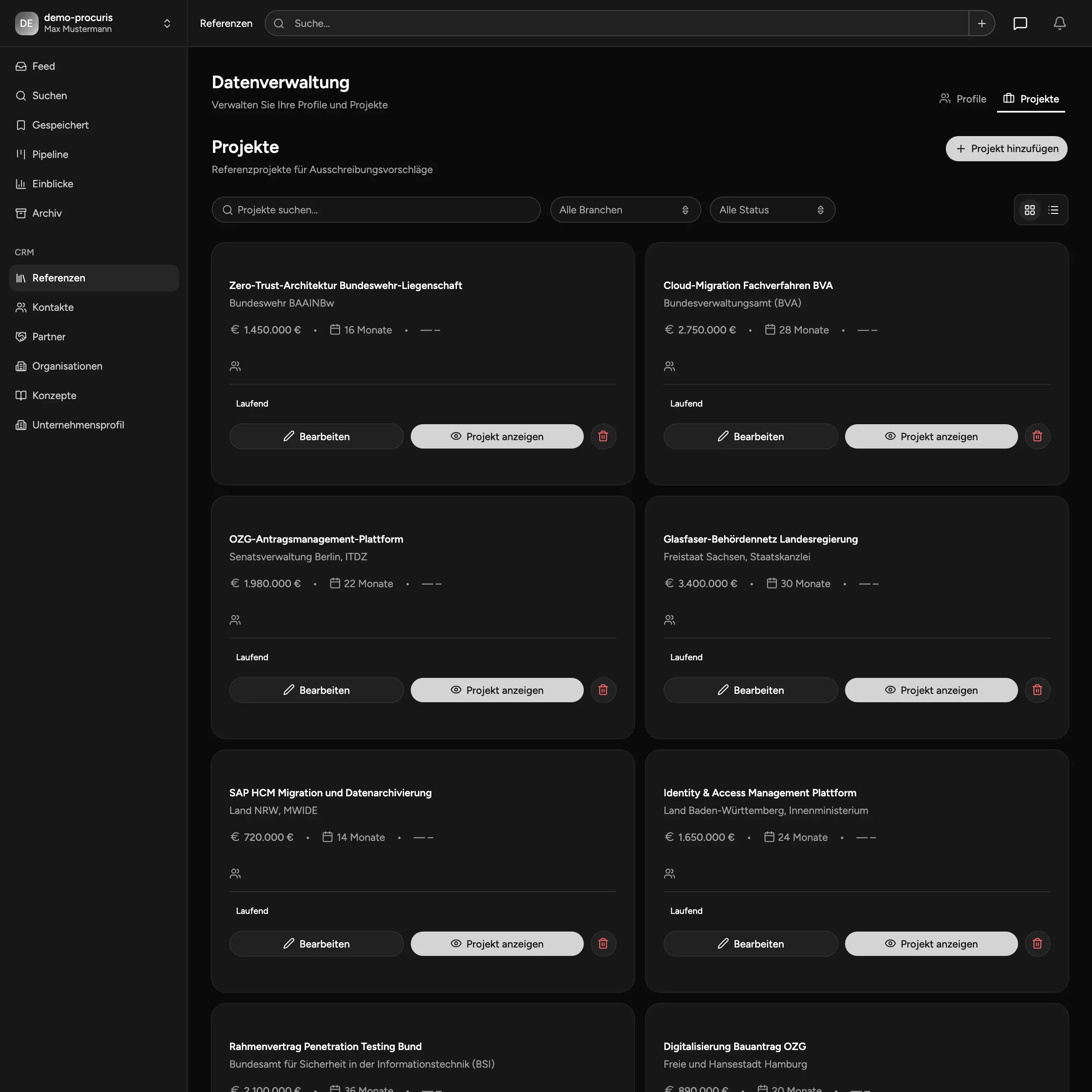
Manage References & Profiles Centrally
Everything at hand when it counts. Store project references and profiles centrally and attach them directly to tenders in the pipeline - no more searching through folders or old proposals.
- Central project & profile management
- Direct assignment to tenders
- Reusable for future tenders
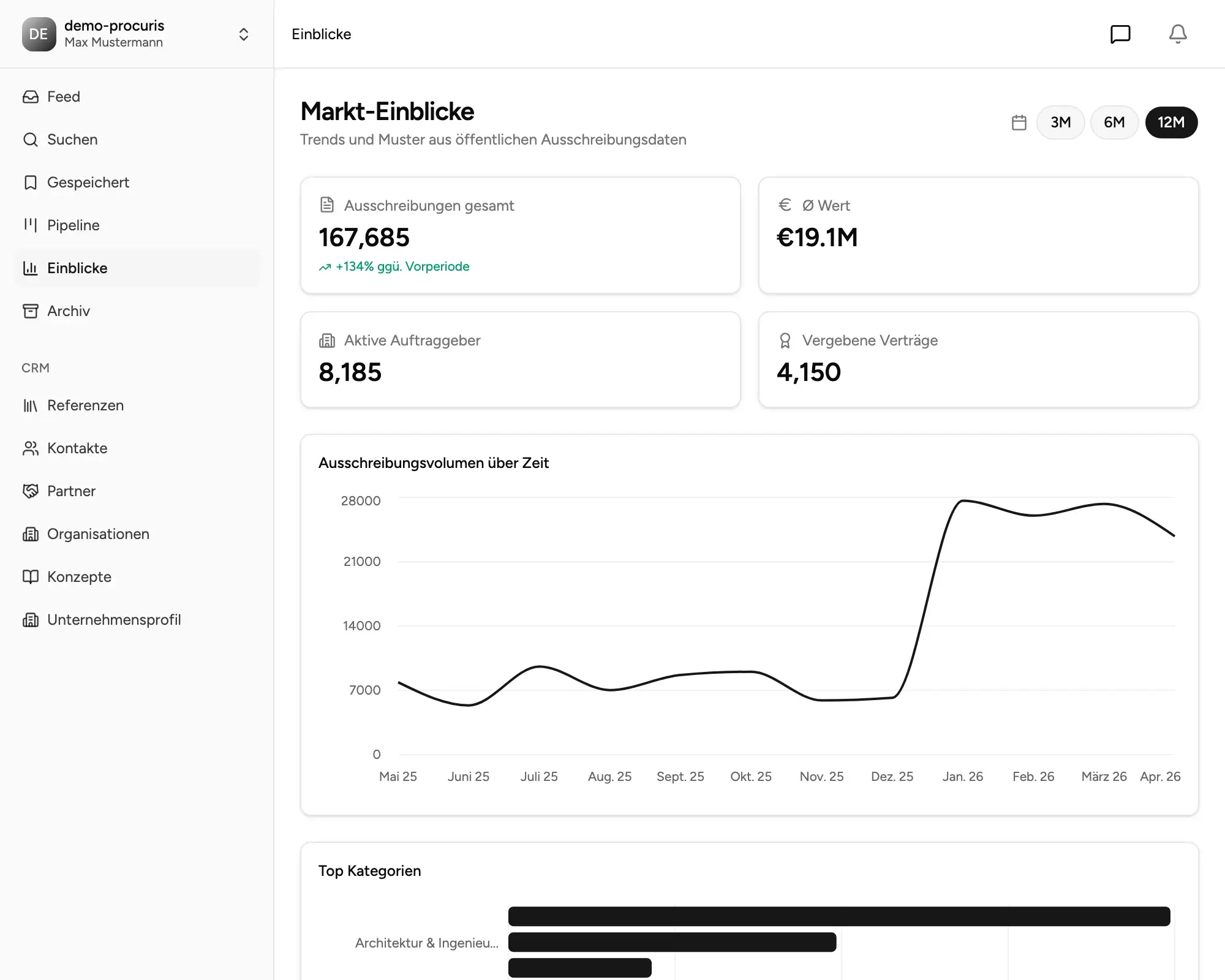
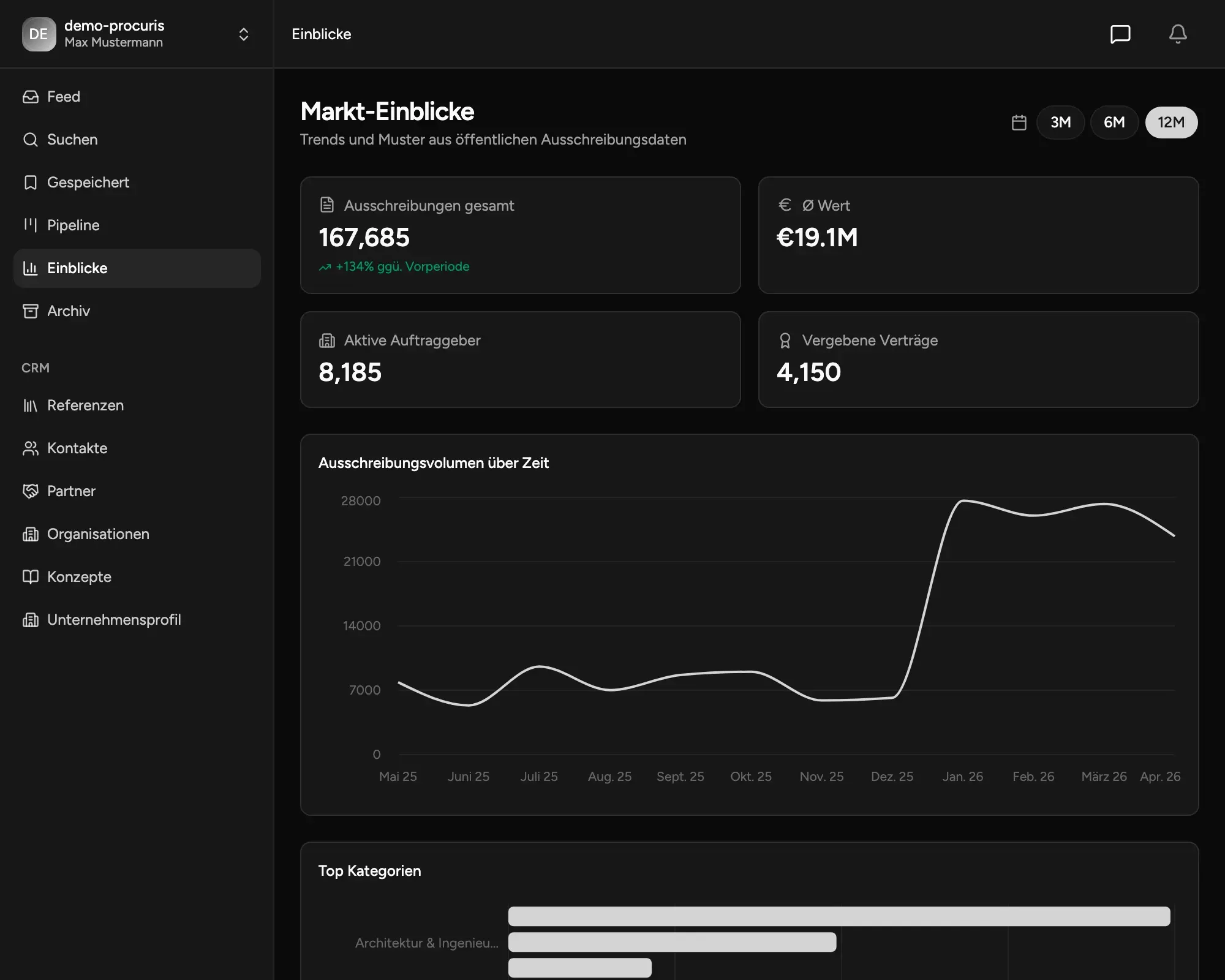
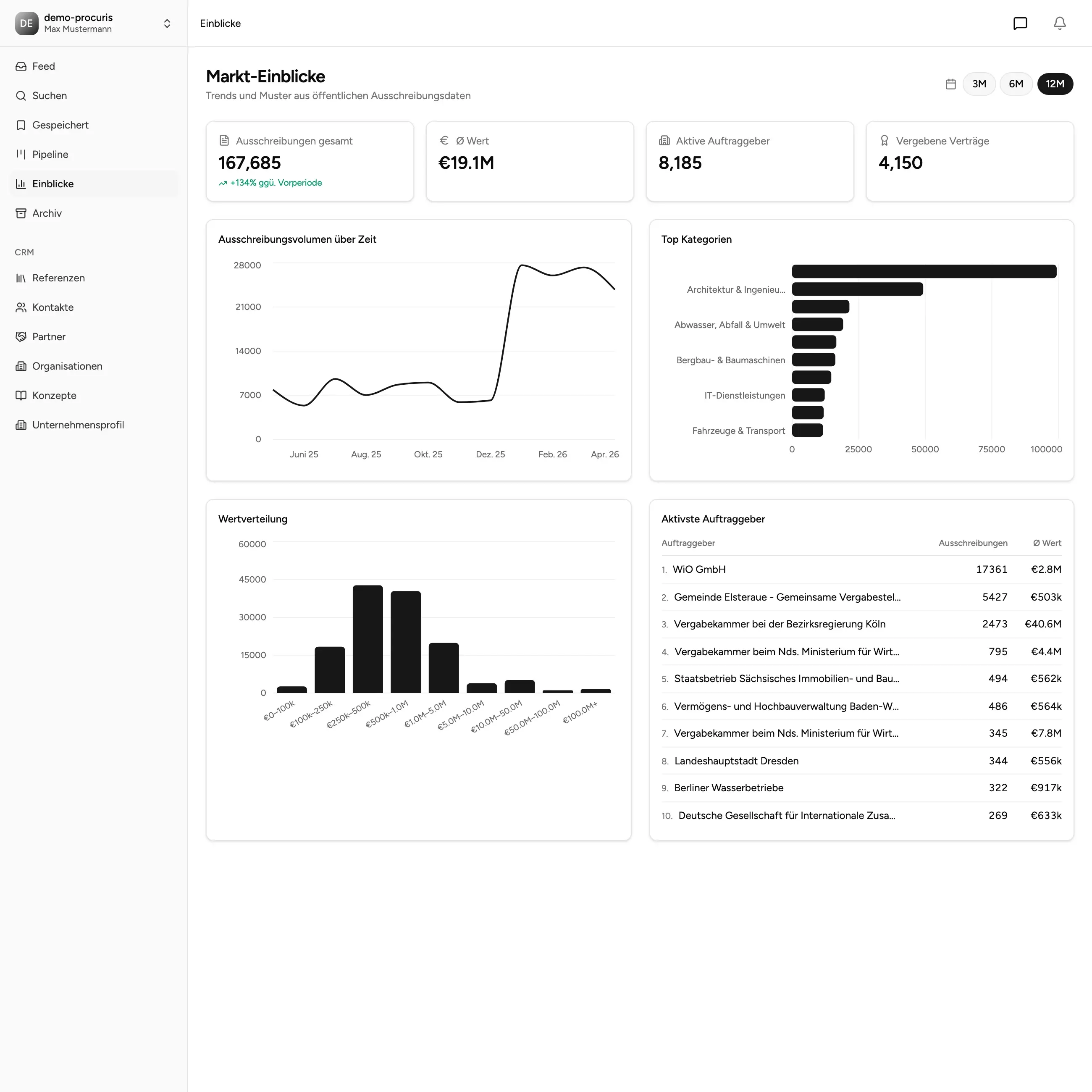
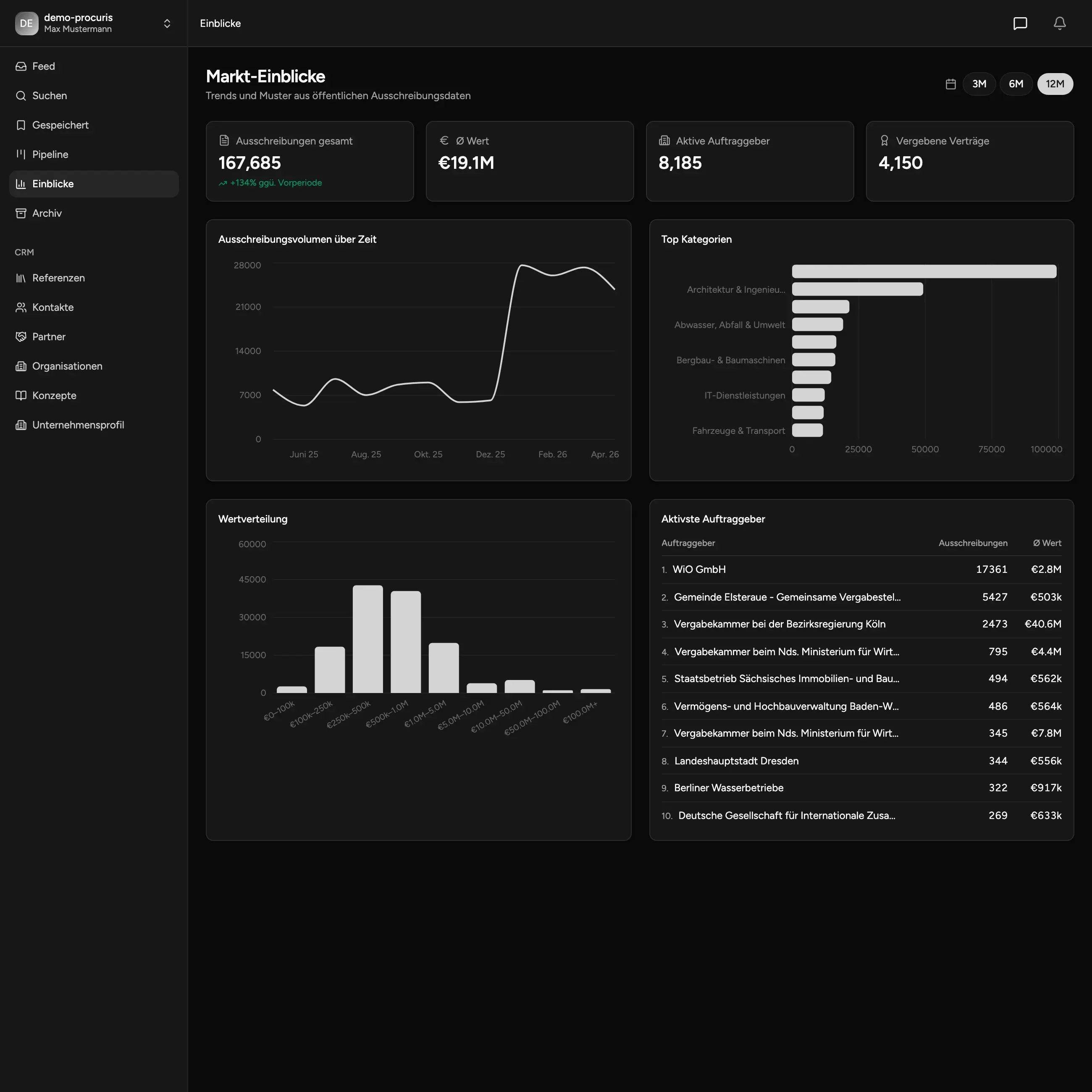
Market insights & procurement analytics
Understand your procurement market - not just individual tenders. Market Insights offers macro and micro analyses: contract volume by industry and region, procurement trends over time, top buyers and active competitors. Free market research instead of expensive studies.
- Macro view: industries, regions, volume trends
- Micro view: individual buyers & competitors
- Data going back to January 2022
- Visualizations & filterable views
- Free to use
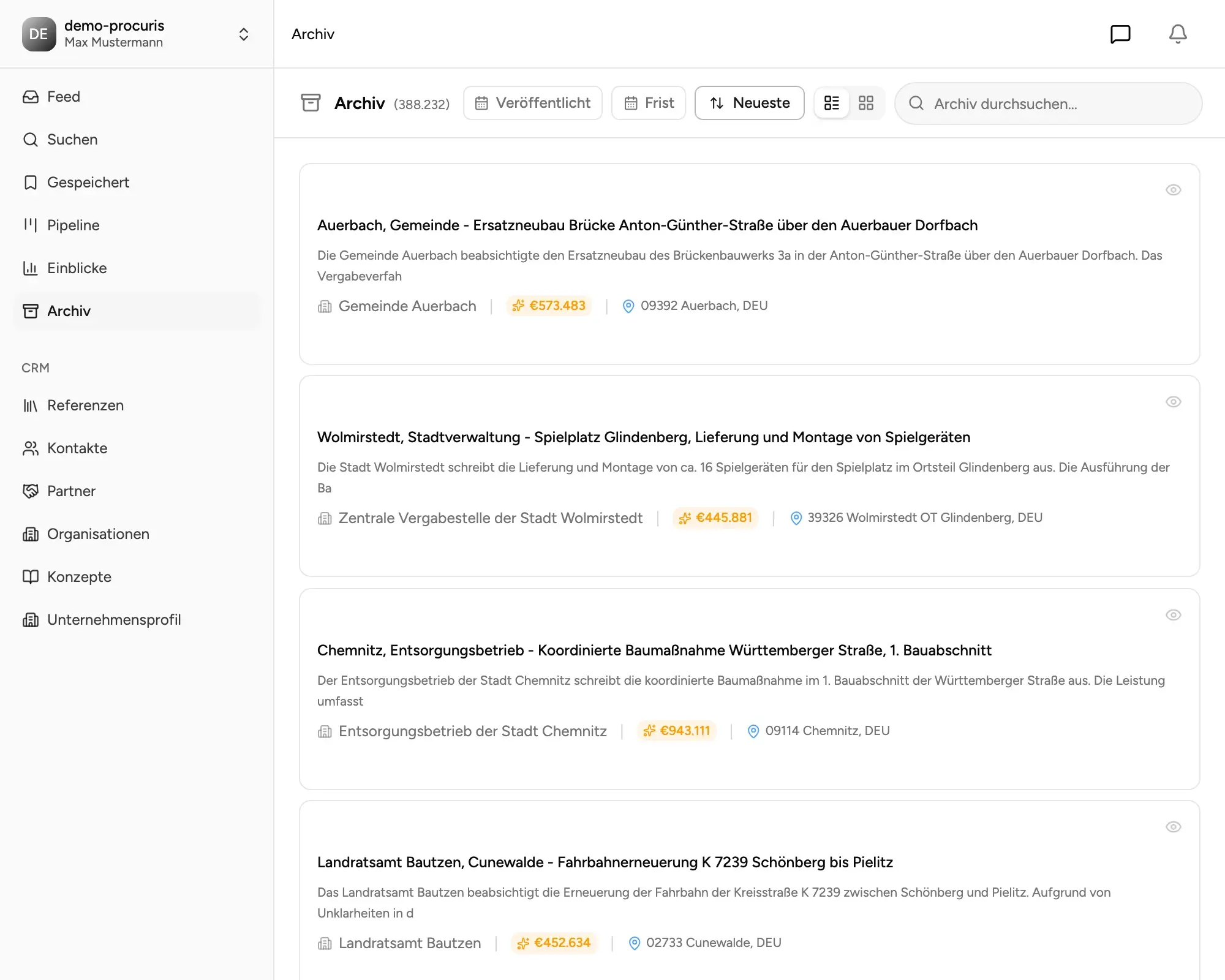
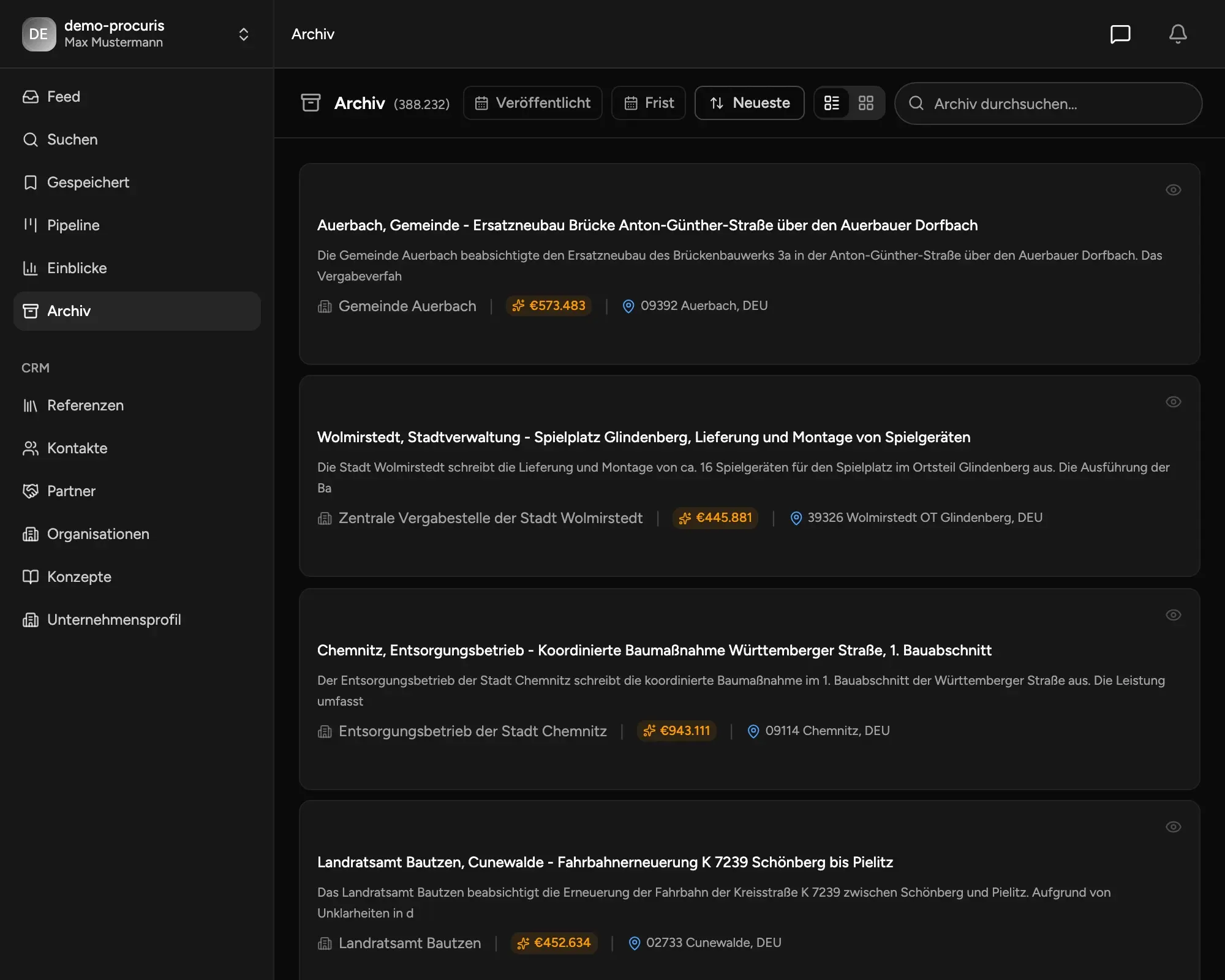
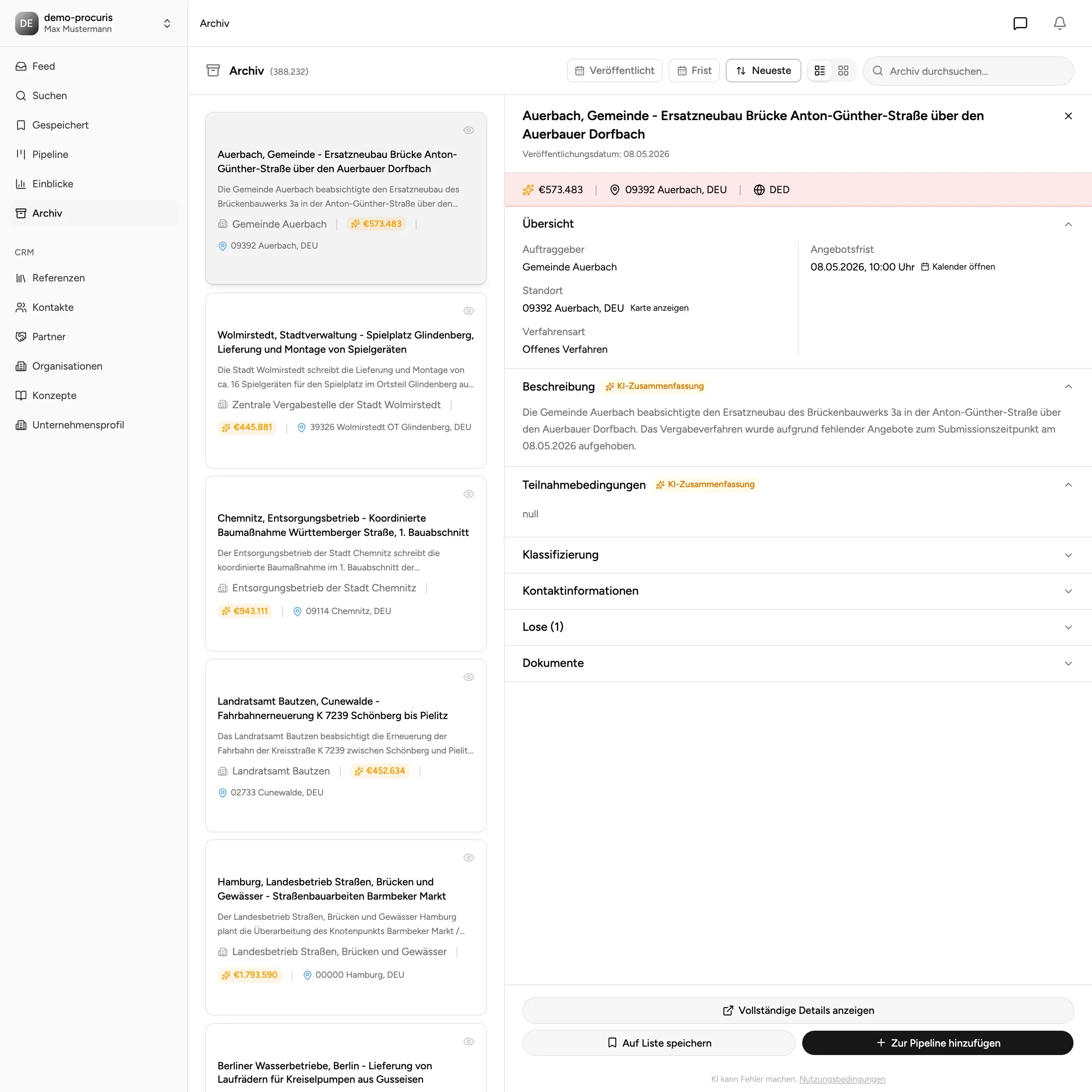
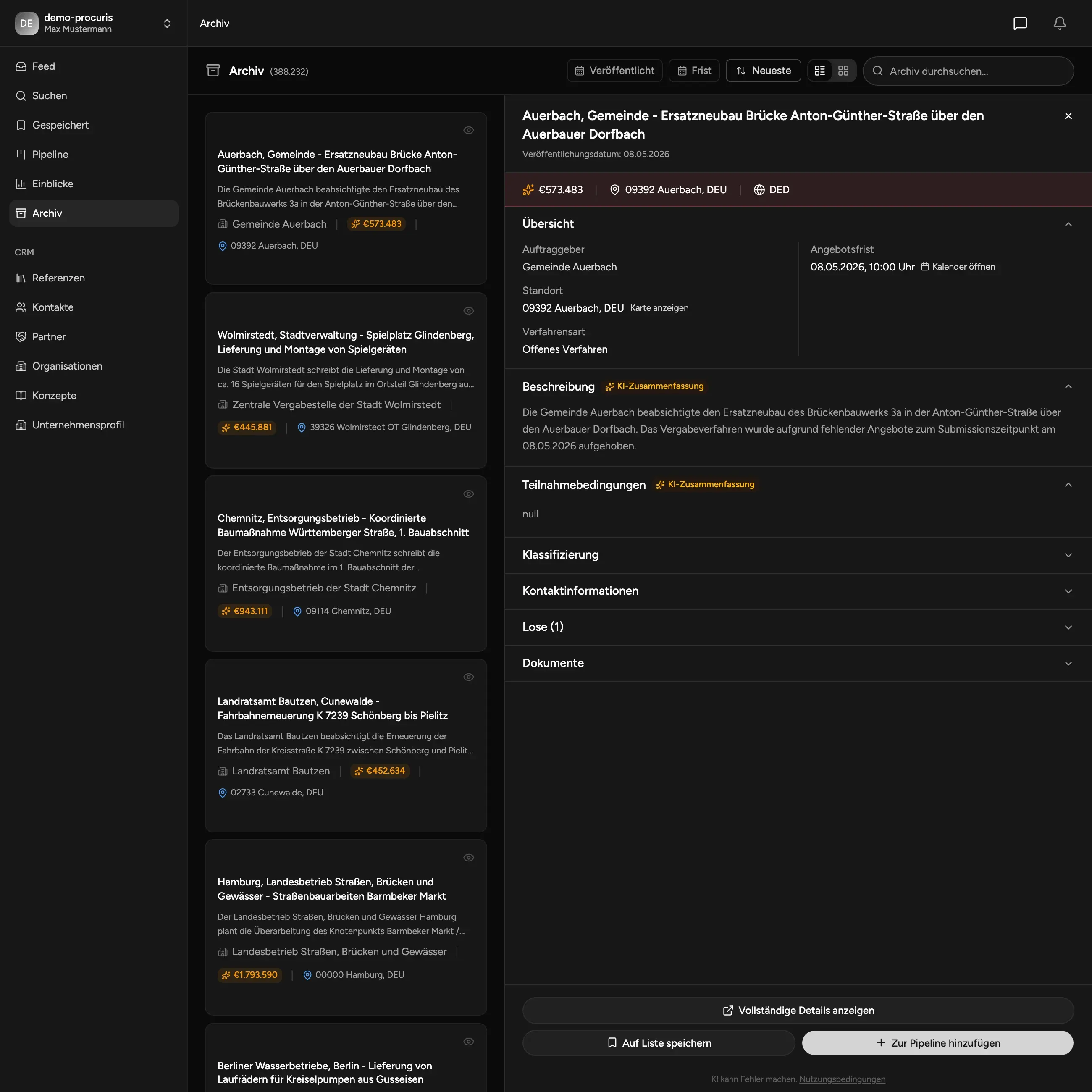
Archive: tender data since January 2022
Run historical research: every archived tender since January 2022 is searchable - including award results, awarded suppliers, and contract values. Use the archive for market research, competitive monitoring, or to source references.
- Full history starting January 2022
- Search, filter and full-text across archived data
- Award data & winners visible
- Free access
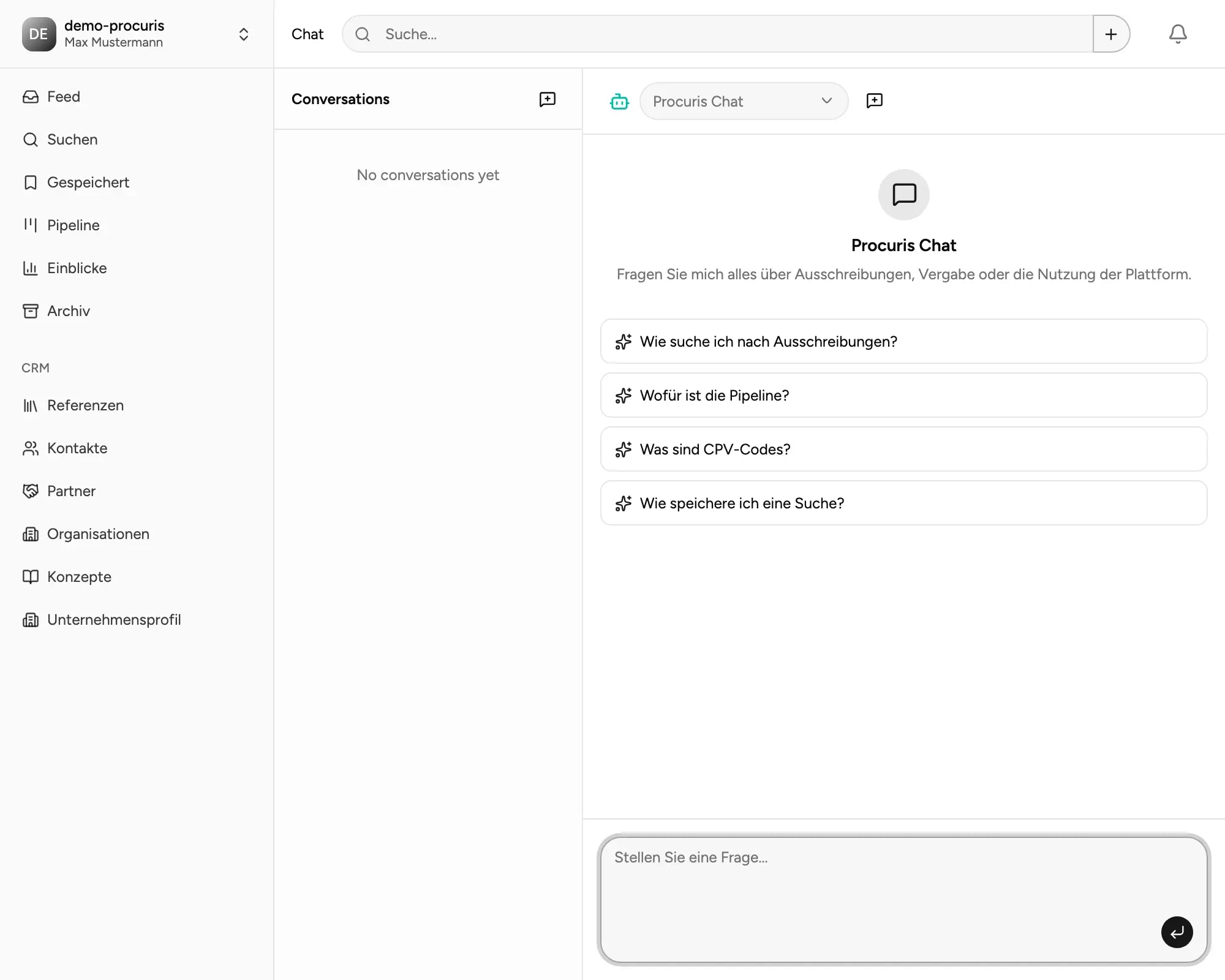
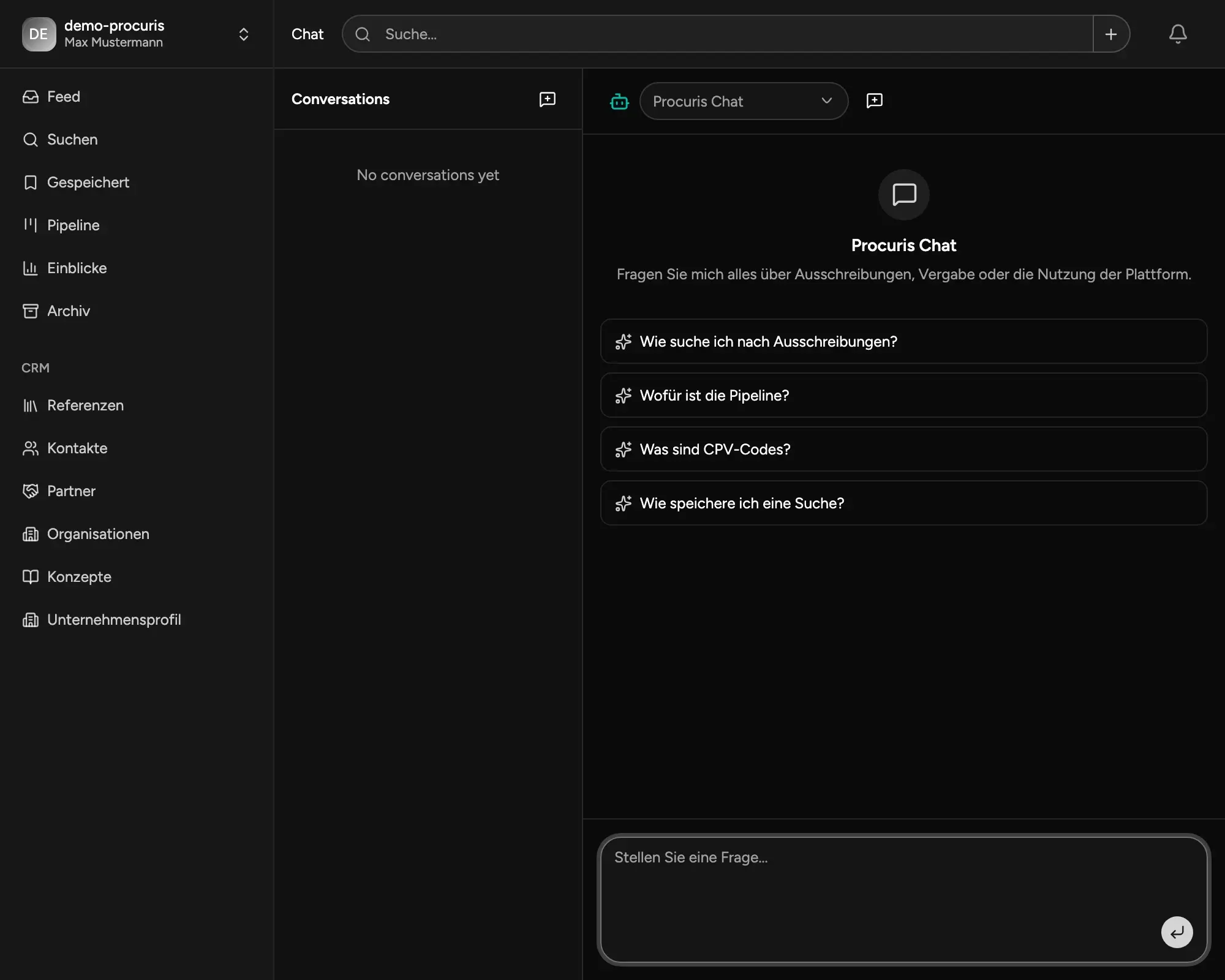
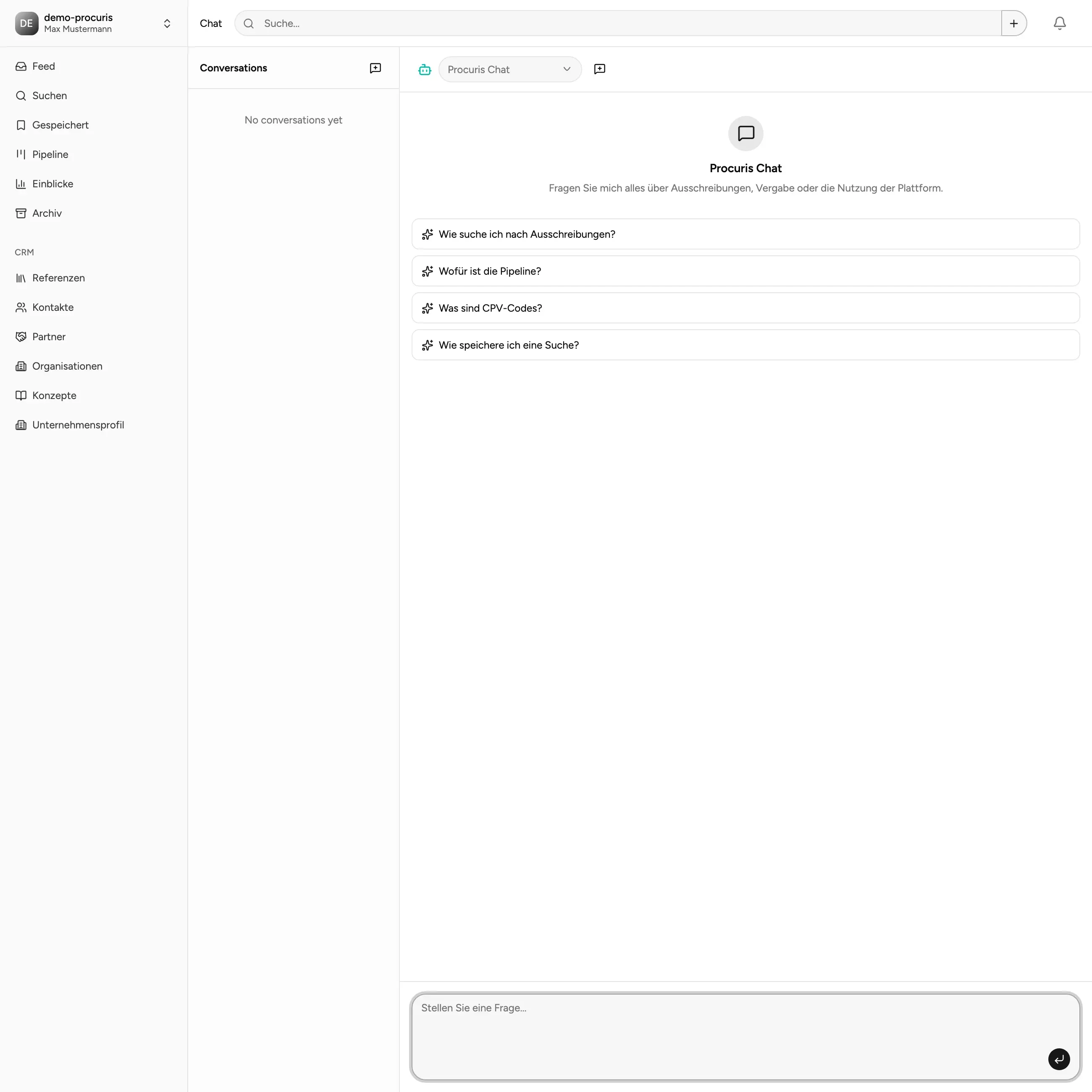
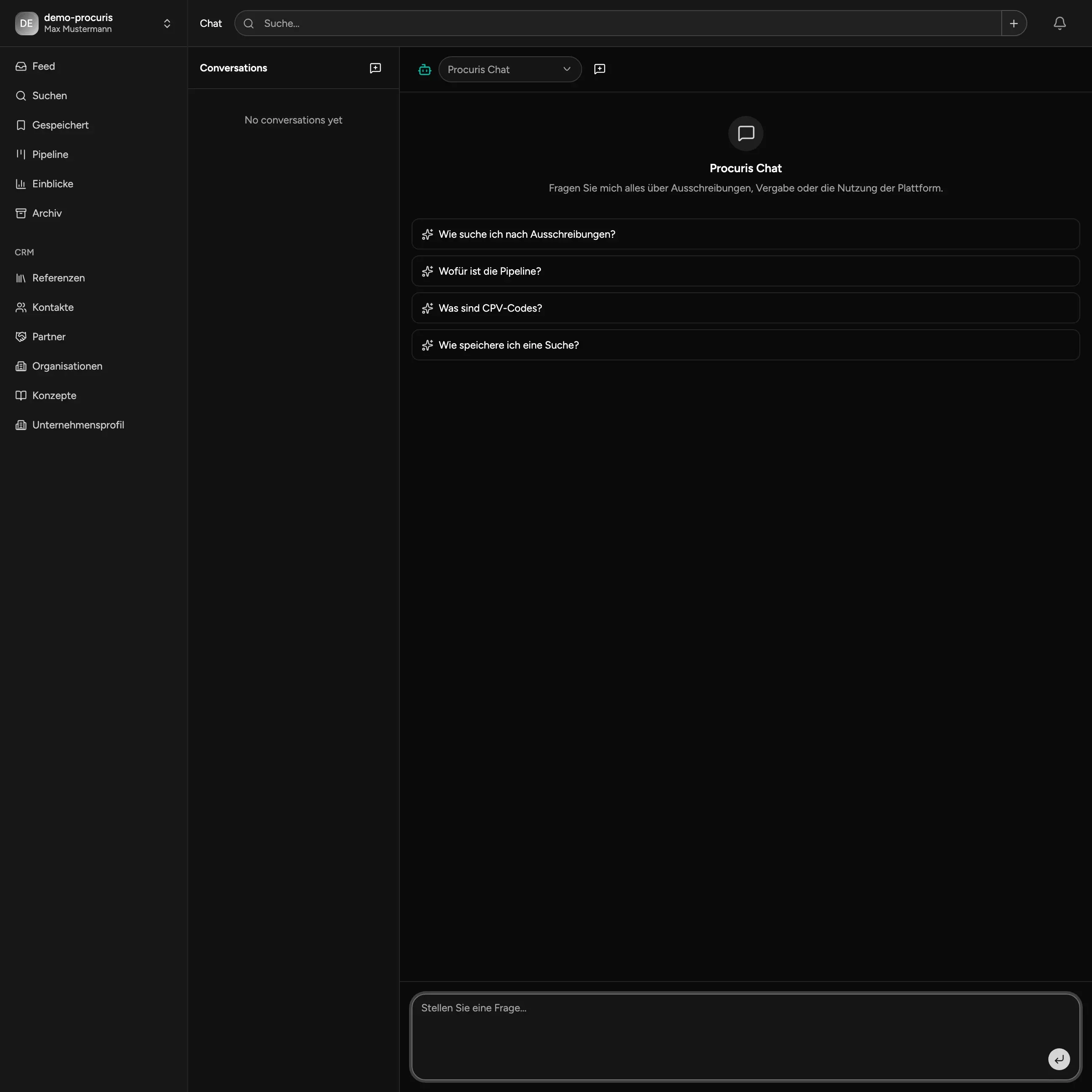
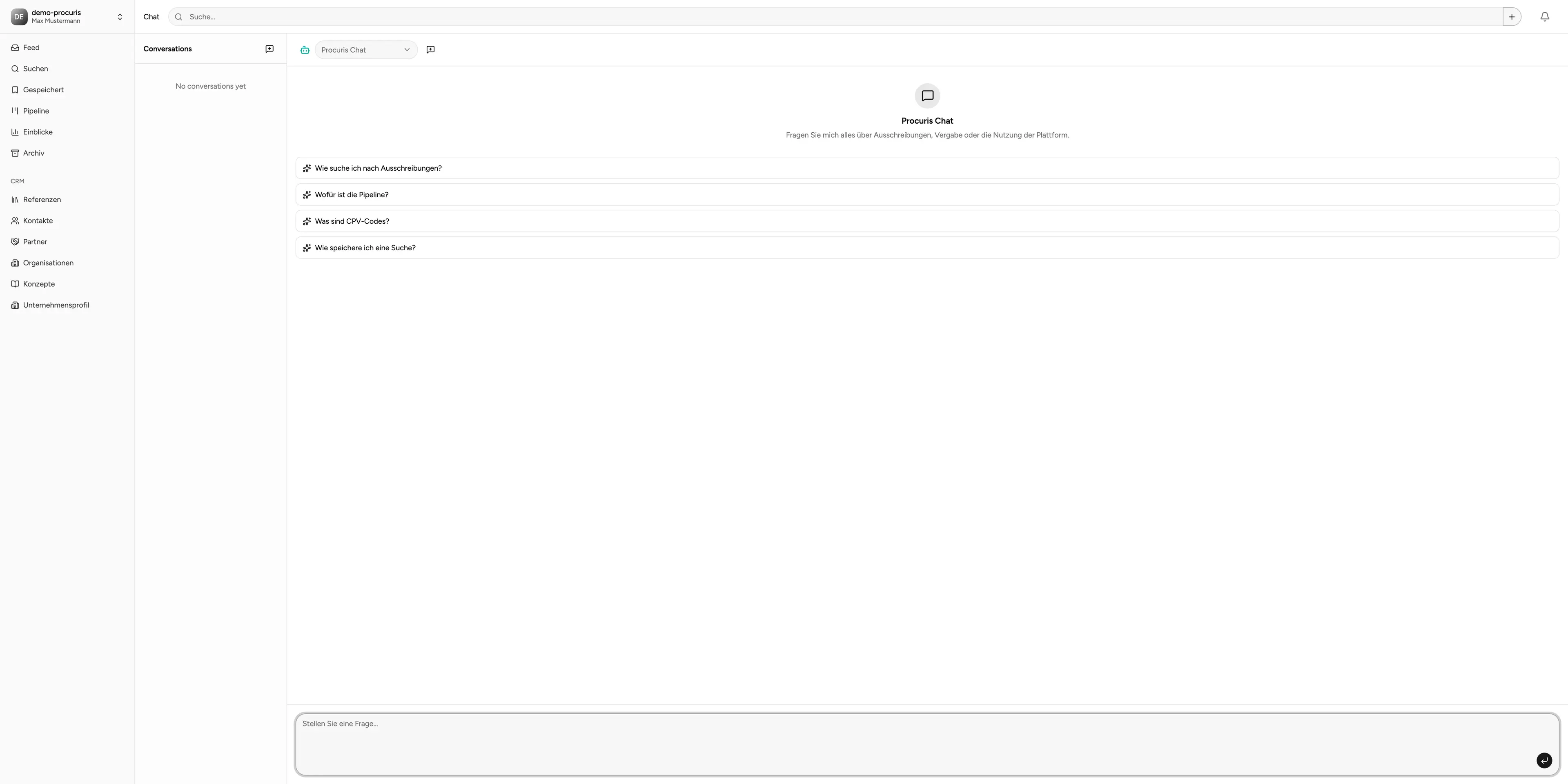
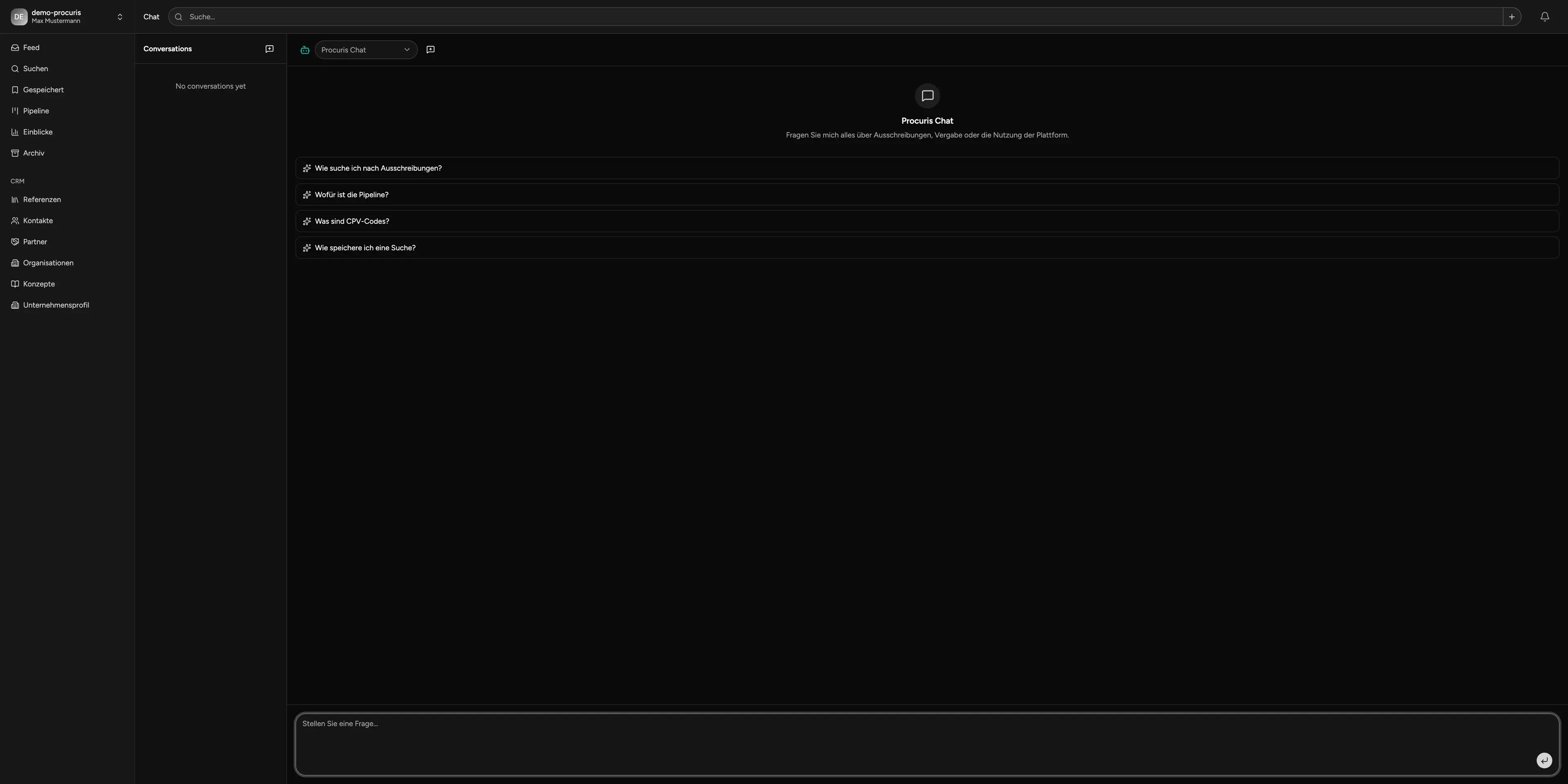
Built-in AI Assistant & API
Answers instead of searching. Integration instead of silos. Ask the built-in AI assistant about tenders, deadlines, references, or status. Connect procuris seamlessly to your existing systems via API.
- AI assistant for tenders & content
- Flexible usage on demand (credits)
- API access in Pro & Enterprise
For businesses that handle tenders professionally.
procuris is used by teams managing multiple tenders in parallel who need clear structures - regardless of industry or company size.
Public procurement accounts for roughly 14% of EU GDP, around €2 trillion per year (European Commission). The TED database publishes more than 750,000 EU-wide tender notices annually (TED, ted.europa.eu).
Faster research & prioritization through intelligent search and alerts.
Less time per proposal through structured pipeline, references & calendar overview.
Figures based on internal measurements with pilot customers (2025). Market data: European Commission, ec.europa.eu/growth/single-market/public-procurement; TED database, ted.europa.eu.
Note: The AI-powered features of procuris are designed to assist and may contain errors. Please always verify AI-generated results before further use.
Questions & Answers
Ready for less effort and better decisions?
Start free or see procuris live in a short demo.